10 Image to Video Motion Prompts That Actually Work (Copy & Paste)
Image-to-video is fundamentally different from text-to-video. You already have a picture — your prompt should describe what should move, not what the picture shows. Here are 10 proven motion prompts for realistic, natural-looking AI video generation.
Why Image-to-Video Prompts Are Different
Most AI video prompt guides are written for text-to-video, where you describe everything from scratch. But with image-to-video, the model already sees your photo. The key insight: don't describe the image — describe the motion.
Effective image-to-video prompts focus on three things: (1) what moves and how, (2) camera direction and speed, and (3) atmospheric or lighting changes over time. The more specific your motion description, the more natural and controlled the result.
Each prompt below includes a difficulty level, a practical tip, the exact prompt to copy, and suggestions for when to use it.
How to Pick the Right Motion for Your Image
Not every motion works with every image. Before you copy a prompt, ask yourself three quick questions about your source photo:
- 1Is your subject a person? Start with subtle motions like head turns or wind effects. Portraits look best with gentle, realistic movement — avoid dramatic transformations.
- 2Is your subject a product? Camera orbit and dolly shots work best. Viewers want to see texture, reflections, and scale from multiple angles.
- 3Is your subject a landscape or scene? Use environmental reveals, light transitions, and slow camera movements. Nature content benefits from gradual atmospheric changes.
The prompts below are organized from beginner-friendly to advanced. Start with the simpler ones and work your way up.
Subtle Head Turn — Best for Portraits
The most natural motion for portraits. Works with any face photo.
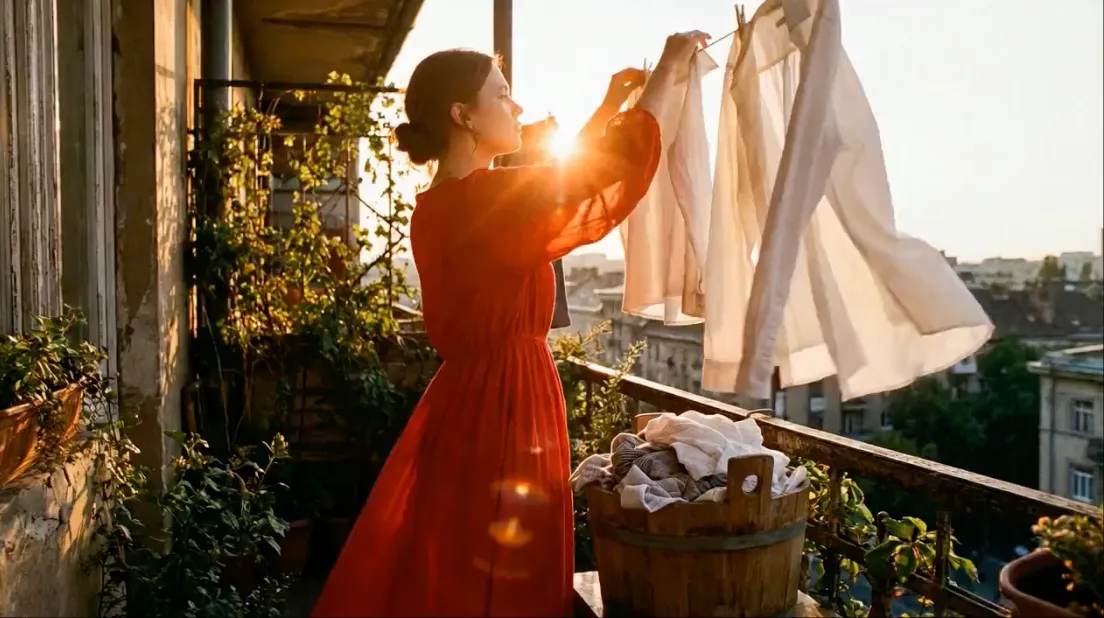
Wind & Hair Movement — Outdoor Portraits
Add "gentle breeze" or "strong wind" to control intensity. Works best with medium to long hair.
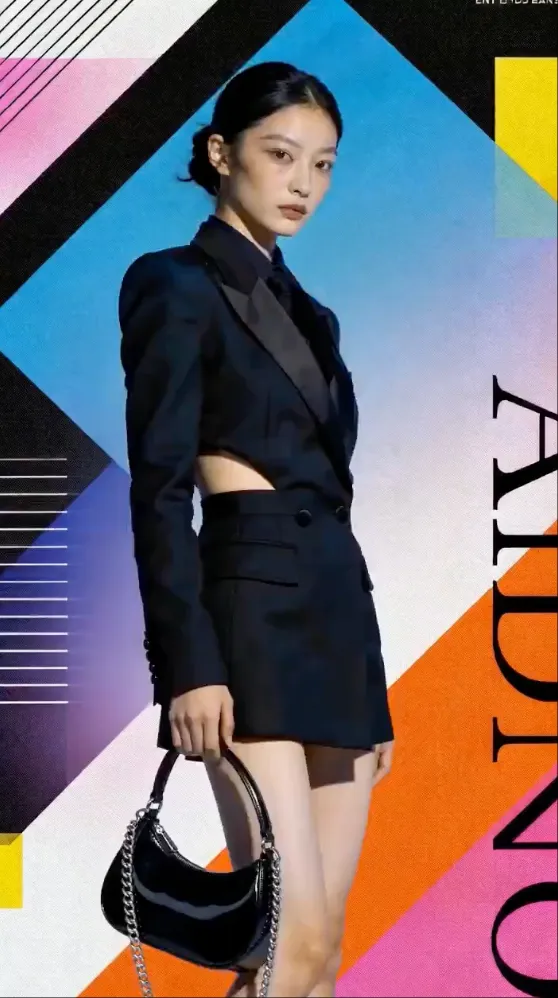
360° Product Orbit — E-commerce & Marketing
Specify "dark matte surface" or "white background" to match your product shot background.
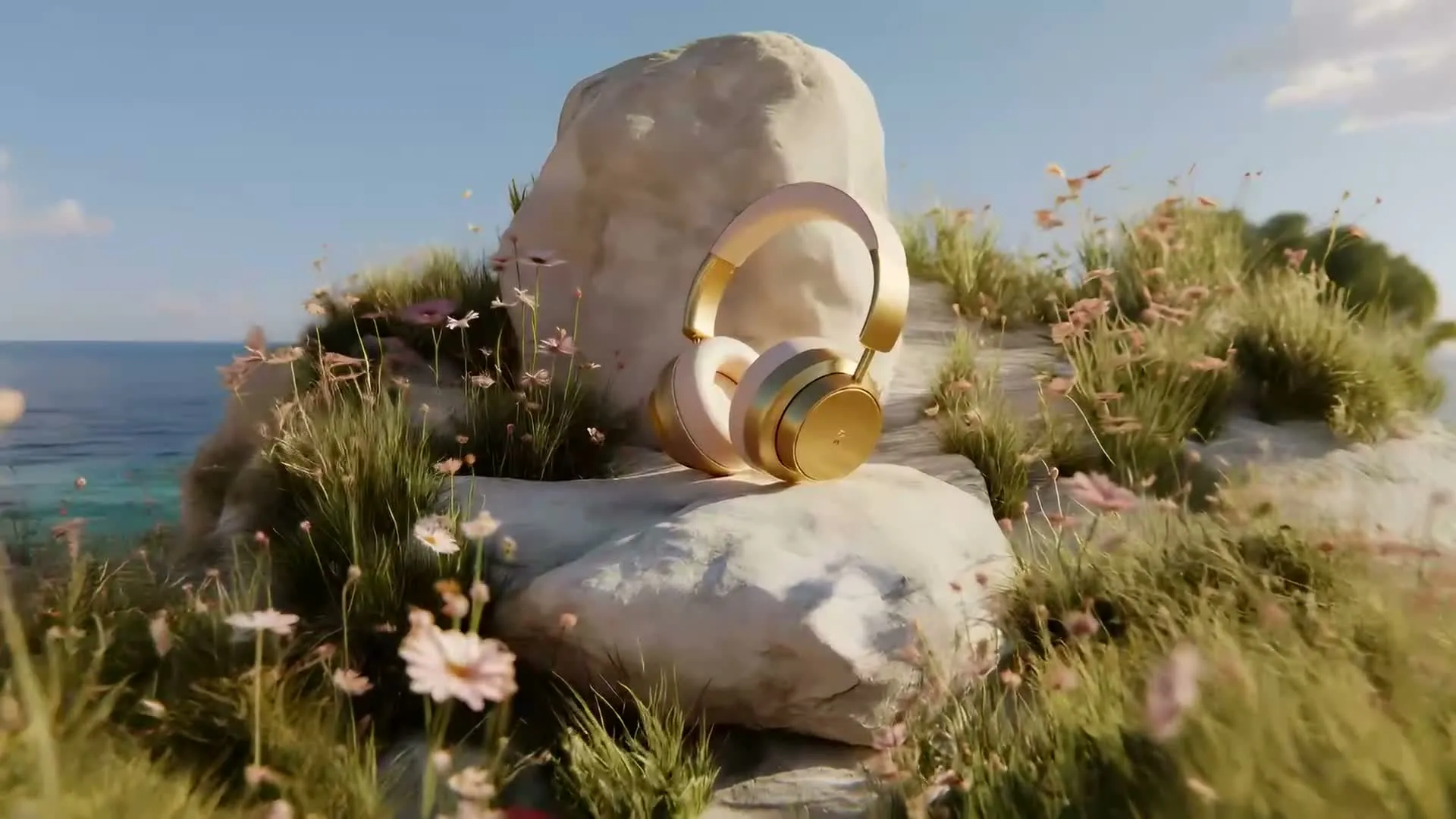
Flowing Water & Liquid Effects — Nature & Beauty
Describe the water speed: "gently flowing," "crashing waves," or "slow ripple." Match the intensity to your mood.
Slow Zoom into Eyes — Emotional Impact
Works with any close-up or medium shot portrait. The slow zoom creates a powerful emotional connection.
Environmental Reveal — Landscapes & Travel
Describe what gets revealed: mountains, city skyline, ocean, forest. Start close and pull back.
Fabric & Cloth Dynamics — Fashion & Product
Specify fabric type: silk (flowing), cotton (subtle), chiffon (dramatic). Different materials move differently.
Floating Particles & Magic — Creative & Artistic
Particles can be dust, snow, petals, sparks, fireflies, or magical orbs. Match the atmosphere you want.
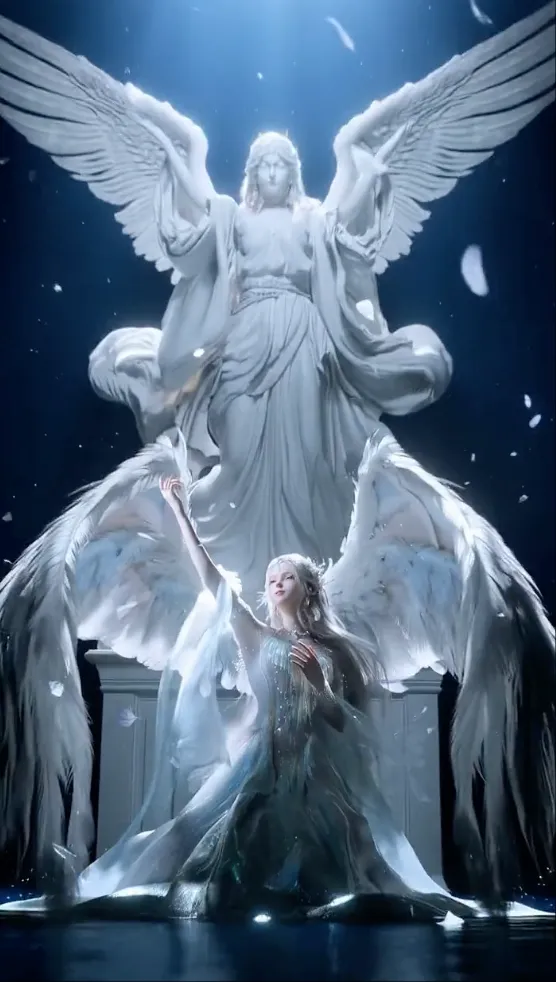
Light Transition — Time-Lapse Feel
Describe the light change: sunrise (dark to golden), sunset (golden to purple), or passing clouds.
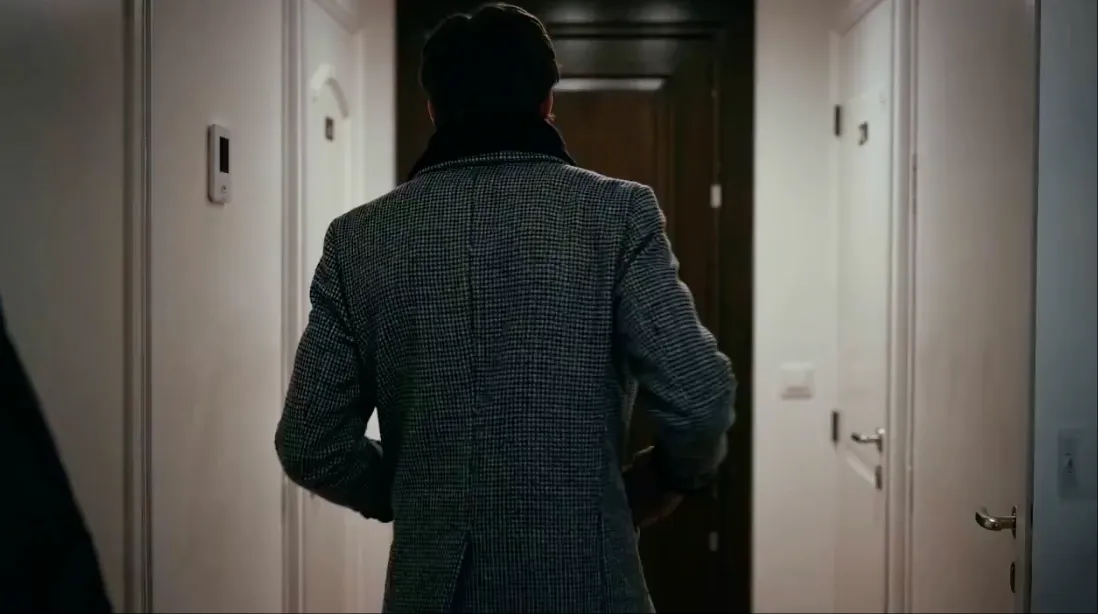
Subject Walking — Lifestyle & Street Photography
Works best when the subject is already in a walking pose in the source image. Describe the environment they walk through.
Try These Motion Prompts Now
Upload any image and paste one of these prompts. Works with Kling, Veo, Seedance, Wan, and more.
Image to Video AIFrequently Asked Questions
What is the difference between image-to-video and text-to-video prompts?
Image-to-video prompts are fundamentally different from text-to-video prompts. With image-to-video, the model already has a visual reference — your prompt should describe the motion, camera movement, and atmosphere, not re-describe the scene. The best image-to-video prompts focus on what should change: camera direction, subject movement, environmental effects like wind or light shifts, and temporal progression. Text-to-video prompts must describe everything from scratch, including the scene composition, subject appearance, and setting.
How do I make motion look natural in AI-generated videos?
Natural motion comes from three things: specificity in your prompt, matching motion to the subject, and choosing appropriate intensity. First, be specific about the type of motion — "slowly turns head" produces better results than "moves." Second, match the motion to what makes physical sense: wind affects hair and clothes, water flows downhill, camera movements follow real cinematography. Third, use gentle motion intensity for portraits and product shots, and save dynamic motion for action scenes. Over-specifying fast or complex motion often leads to artifacts.
What are the most common motion prompt mistakes?
The most frequent mistakes are: (1) Re-describing the source image instead of describing motion — the model already sees your image. (2) Requesting physically impossible motions like a person morphing into another person or changing clothes. (3) Overloading prompts with too many motion instructions — focus on one primary motion and one camera movement. (4) Using vague terms like "make it dynamic" or "add some movement" without specifying what kind. (5) Asking for motion that contradicts the image content.
Which AI models are best for image-to-video motion prompts?
Different models excel at different types of motion. Kling 3.0 is excellent for controlled camera movements and product showcases. Veo 3.1 handles complex scene dynamics and atmospheric effects well. Seedance produces smooth natural motion for portraits and lifestyle content. Wan AI is particularly good at anime and artistic styles. For the best results, choose the model that matches your content type — product shots benefit from Kling, portraits from Seedance or Veo, and creative content from Wan.
Can I combine multiple motion types in one prompt?
Yes, but keep it to two motion types maximum. A good combination might be subject motion + camera movement, like "she slowly turns her head while the camera orbits." Avoid combining three or more independent motions, as this often causes instability. The hierarchy should be: one primary subject motion, one camera movement, and optional environmental effects (wind, light changes, particles). Think of it like real cinematography — you wouldn't have the actor running, camera spinning, and explosions all happening simultaneously.