Kling AI Video Generator
Turn any image into a cinematic video with Kling AI. Upload a photo and watch it come to life.
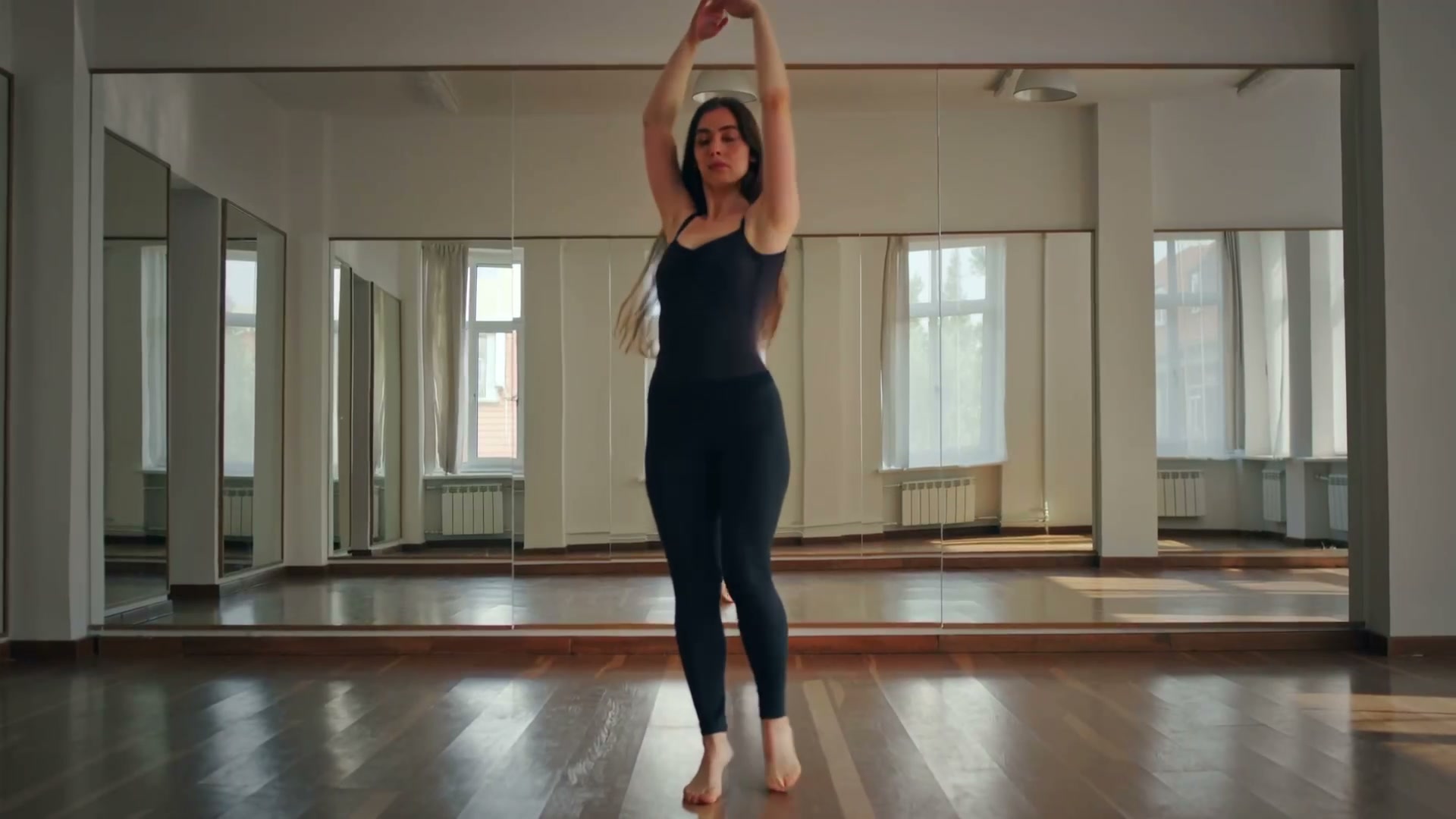
Upload your photo and click Generate to create your own
How to Use Kling AI Video Generator from Image
Upload Your Image
Upload any photo — portrait, landscape, anime, or product shot. Supports JPG, PNG, and WebP formats.
Describe Your Vision
Type a prompt describing the motion you want — cinematic camera pan, natural movement, or a specific scene. The Kling AI model will bring it to life.
Generate & Download
Click generate and wait for your AI video. Download as MP4 and share on TikTok, Instagram, YouTube, or any platform.
Kling AI Video Generator Use Cases & Examples
Cinematic Portrait Videos
Turn a still headshot into a film-quality video with natural micro-expressions, subtle eye movement, and cinematic shallow depth of field. Ideal for actor reels, model portfolios, and film-style content.
Anime & Character Motion
Bring anime characters, illustrations, and stylized art to life with natural, fluid movement. Kling handles 2D and 3D stylized content with impressive results.
Product Cinematic Ads
Animate product images with professional camera movement — slow zooms, orbit shots, and dramatic lighting transitions. Create commercial-quality product videos without a film crew.
Realistic Human Motion
Hair, clothing, skin texture, and body language — Kling handles these details better than most AI video tools. The results look natural, not robotic.
Film & Photography Showreels
Transform still photography into motion. Wedding photos, landscape shots, and editorial images gain cinematic life with smooth camera work and natural motion.
Music Video & Short Film Scenes
Generate individual scenes for music videos or short films. Kling AI handles dramatic lighting, dynamic camera angles, and complex visual compositions.
Best Prompts for Kling AI Video Generator
Copy these prompts and paste them into the generator for best results with Kling AI.
Cinematic slow dolly zoom around a woman, golden hour backlight, shallow depth of field, 35mm film grain, Arri Alexa lookA majestic eagle soaring over snow-capped mountains at golden hour, slow-motion wing beats, cinematic telephoto lens, dramatic skyProfessional headshot turning slowly with a confident smile, studio key light, dark background, Vogue editorial styleProduct hero shot with slow 360-degree rotation, clean white infinity background, crisp studio lighting, commercial qualityWoman walking through rain on a city street at night, neon reflections on wet pavement, cinematic color gradingEpic mountain landscape with rolling fog and moving clouds, drone-style slow ascent, dramatic golden hour sky, 8K quality feelWhy Choose Kling AI Video Generator?
Cinematic Quality
Kling outputs film-quality video with natural motion and realistic lighting transitions. If you have tried other AI video tools and found the results stiff or over-processed, Kling is worth a look.
Realistic Motion
Unlike basic animation tools, Kling AI generates physically plausible movement. Hair, cloth, water, and facial expressions move naturally.
Flexible Cost and Speed
Kling generation time and cost vary by model, duration, quality, and audio. The selector shows supported combinations and required credits before generation.
Multiple Kling Models
Choose Kling 3.0 for its newest multi-shot and optional-audio workflow, Kling 2.6 for synchronized audio, or earlier Kling models for different cost profiles.
Works with Any Image
Portraits, anime, illustrations, landscapes, product shots — Kling AI handles a wide range of image types and generates appropriate motion.
HD MP4 Export
Download your generated videos in MP4 format at up to 1080p resolution. Ready to post on any social platform or use in your projects.
Need native audio and optional first-to-last-frame control? Try MiniMax H3 Max image to video.
Related AI Video Models
Wan AI
Open-source AI video model. Strong with anime, fast rendering, and flexible creative workflows.
Runway Gen 4.5
Current Runway option in this selector for text-to-video and image-to-video generation.
Google Veo 3.1
Premium-quality generation with native audio, plus a lower-cost Fast variant.
Seedance 2.0
ByteDance video models with standard, Fast, and Mini variants.
Hailuo 2.3
MiniMax video generation with 768p and 1080p options where supported.
Gemini Omni Flash
Google's multimodal conversational video model; available from Google, not in this site's selector.
Ready to Create Cinematic AI Videos?
Upload a photo and try Kling AI. Tweak the prompt, swap images, and compare results. The tool speaks for itself.
Frequently Asked Questions
What is Kling AI video generator?
Kling AI is a video generation model built for cinematic output. Upload a photo and it produces realistic motion, smooth camera work, and film-grade transitions. In the AI video space, Kling stands out for natural movement and clean visual quality.
How does Kling AI image to video work?
You upload an image — a portrait, a landscape, a product shot, anything — and the Kling AI model analyzes the scene, understands depth and subjects, then generates video frames with realistic motion. It predicts how objects would move, adds camera dynamics, and outputs a smooth MP4 video clip. No animation or editing skills needed — the whole thing runs in your browser.
Is Kling AI video generator free?
New accounts receive 50 starter credits and can generate one 5-second 480P video with MiniMax H3 Max Turbo. Kling models use the credit amount shown for the selected duration and settings.
Can I animate photos online with Kling AI?
Yes, that is exactly what this page does. Upload any photo directly in your browser — no software to install. The Kling AI model will generate a video from your image in seconds. It works with portraits, anime, landscapes, and more.
What video styles does Kling AI support?
Kling AI excels at cinematic motion, realistic portraits, dynamic camera movement, and smooth transitions. It works well for anime motion, TikTok content, product showcases, and creative filmmaking. You control the style through your text prompt.
How fast is Kling AI video generation?
Generation time depends on the selected Kling model, duration, resolution, audio option, and provider load. Kling 2.5 Turbo Pro is the lower-cost fast option in this selector, while Kling 3.0 supports longer durations and optional audio.