AI Dance Generator
Upload a photo. Watch it dance. No skills needed.
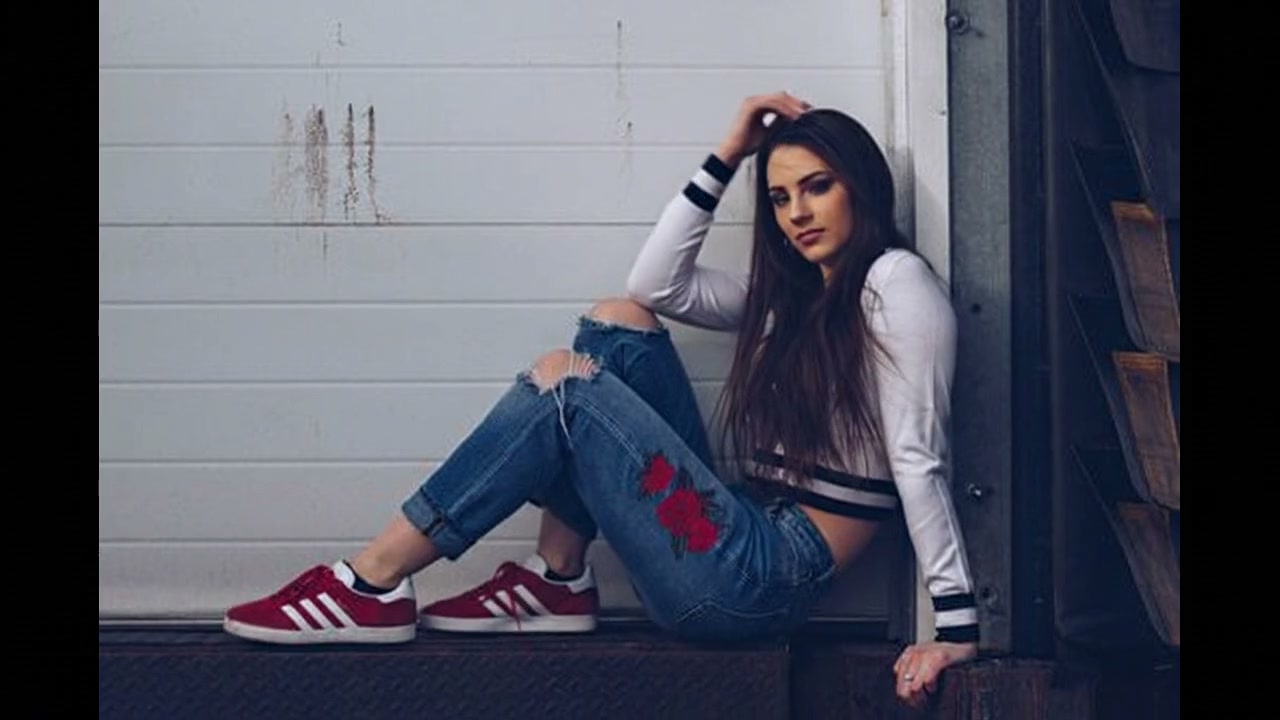
Upload your photo and click Generate to create your own
How to Create AI Dance Videos
Upload a Photo
Upload any portrait photo — selfie, full-body shot, anime character, or illustration. Supports JPG, PNG, and WebP.
Customize the Dance
Adjust the prompt to describe your preferred dance style — hip-hop, slow dance, TikTok trend, or any creative movement.
Generate & Share
Click generate and get your AI dance video ready to share. Download as MP4 and post directly to TikTok, Reels, or Shorts.
What Can You Create?
TikTok Dance Videos
Upload a selfie, pick a trendy dance prompt, and post the result. No filming, no learning choreography — just a phone and a photo.
Anime Dance Animation
Got a favorite anime character or VTuber model? Turn it into a looping dance clip. The anime community has been using these tools a lot lately.
Funny Dance Memes
Pet photos, celebrity screenshots, group pics — make them dance and watch the comments roll in. Works surprisingly well on Reddit and Twitter/X.
Instagram Reels & YouTube Shorts
Short-form platforms eat this content up. A 3-second dance clip from a still image gets more attention than a regular post most of the time.
Music Video & Visual Projects
Animate album art, turn portraits into performance clips, or layer AI dance footage into an edit. Low-budget music video creators have been experimenting with this.
Party & Event Content
Wedding reception montage? Birthday post? Group photo from last weekend? Run it through the AI dance generator and turn a still image into something people actually watch.
AI Dance Prompt Examples
Copy these prompts and paste them into the generator for best results.
A girl dancing under neon lights, cinematic motion, smooth hip-hop movesAnime character performing TikTok dance, energetic movement, colorful backgroundA group of friends dancing at a party, colorful lights, energetic movement, upbeat rhythmFunny cat dancing like a human, cartoonish movement, upbeat rhythmA man doing breakdance moves on the street, urban style, dynamic camera anglesPrincess dancing in a fairy tale garden, flowing dress, magical sparklesWhy Choose Our AI Dance Video Generator?
Multiple AI Models
Choose from models by Kling, Veo, Seedance, Wan, Runway, Hailuo, and more. Supported durations, resolutions, audio behavior, and credit costs are shown in the selector.
No Dance Skills Needed
The whole point. Upload a photo, type a prompt, click generate. No camera, no choreography, no video editing software.
HD Output
Up to 1080p. Good enough for TikTok, Reels, Shorts, and most social platforms. Longer formats and higher resolutions are on the roadmap.
Works with Any Image
Selfies, full-body shots, anime, illustrations, pet photos, celebrity screenshots. If it has a recognizable subject, the AI dance video generator can probably animate it.
Fast Turnaround
Most clips generate quickly. Short 3-second clips are especially fast. You can batch-produce content without long waits.
Commercial Rights Included
Paid plans give you full commercial usage rights — ads, branded content, client deliverables, whatever you need.
Ready to Create Your AI Dance Video?
Upload any photo and generate a dancing video right here. Try different models, experiment with prompts, see what works for your content.
Frequently Asked Questions
What is an AI dance generator?
An AI dance generator takes a regular photo and turns it into a dancing video using AI models trained on motion data. It figures out where the person is, what pose they are in, and then animates movement based on the dance style you describe. Some people call it an "AI dance video generator" or "photo to dance video AI" — same thing, different name.
Can I turn a photo into a dance video?
That is exactly what this tool does. Upload a selfie, a full-body shot, an anime character, even a pet photo — the AI dance video generator will animate it. You pick the dance style by typing a short prompt (hip-hop, slow dance, TikTok trend, whatever you want), choose an AI model, and hit generate. The result is a video clip you can download and post anywhere.
How to make an AI dance video for TikTok?
Three steps: upload a photo, write a short prompt describing the dance (like "energetic hip-hop moves" or "TikTok trend dance"), choose a supported video model, and generate. The output comes as MP4, ready for editing or posting.
Does it work with anime characters?
It does. Anime, manga, VTuber models, chibi art — basically anything with a recognizable character shape. The AI dance generator does not need a real photo to work. VTuber fans and anime communities have been using these tools to animate static fan art into short dance clips for social media.
How long does it take to generate a dance video with AI?
Short clips (3 to 5 seconds) are usually quick to generate. Longer clips at 1080p might take a bit longer depending on which model you pick. Veo tends to be faster, Hailuo produces higher quality — you can switch between them and compare.
What types of dance can the AI generate?
Pretty much anything you can describe in words. The prompt box is where you control the style — hip-hop, breakdance, K-pop, ballroom, slow dance, TikTok trends, even silly stuff like a cat doing the moonwalk. The AI dance video generator reads your description and generates movement to match it.
Can I use AI dance videos commercially?
Paid plans come with full commercial rights, so you can use the videos in ads, brand posts, music videos, and client work. Head over to the pricing page to see what each tier includes.