Kling AI Image to Video Prompt Guide: 20 Copy & Paste Prompts
Learn how to write effective prompts for Kling AI image to video generation. This guide covers the optimal prompt structure, camera controls, motion types, and includes 20 ready-to-use prompt templates you can copy and paste directly into our Kling AI Video Generator.
Kling Prompt Structure: The 5-Part Formula
Kling AI responds best to structured prompts with clear, specific instructions. After testing hundreds of generations, we found this 5-part framework consistently produces the best results:
- 1Subject — Describe who or what is in the frame. Match your source image details closely.
- 2Motion / Action — What should happen? Be specific: "slowly turns head," "camera orbits," "wind blows hair."
- 3Camera Movement — Orbit, dolly, pan, tilt, zoom, aerial? Specify direction and speed.
- 4Lighting & Atmosphere — Golden hour, studio lighting, moody, cinematic, neon, volumetric fog?
- 5Style Keywords — 4K, shallow depth of field, film grain, fashion editorial, anime style, etc.
Keep prompts to 3–5 sentences. Too many instructions confuse Kling — focus on what matters most for your specific shot.
Camera Movement Prompts
Kling excels at camera control. Here are the most effective camera prompts with example phrases:
Orbit
"camera slowly orbits the subject from left to right"
Best for product showcases and portraits
Dolly In
"camera pushes in slowly from medium shot to close-up"
Creates intimacy and focus
Dolly Out
"camera slowly pulls back to reveal the full scene"
Great for reveal shots and landscapes
Pan
"camera pans smoothly from left to right"
Good for wide landscapes and group shots
Tilt
"camera tilts upward from ground level"
Emphasizes height and scale
Aerial
"drone shot, camera rises and moves forward"
Perfect for landscapes and cityscapes
Handheld
"subtle handheld camera movement, documentary style"
Adds realism and energy
Tracking
"camera tracks the subject moving through the scene"
Ideal for walking/motion shots
20 Copy & Paste Prompt Templates
Product Showcase
Luxury Product Orbit

Skincare Product Reveal

Food Close-Up Appetite Appeal
Portrait & Human
Natural Portrait Movement
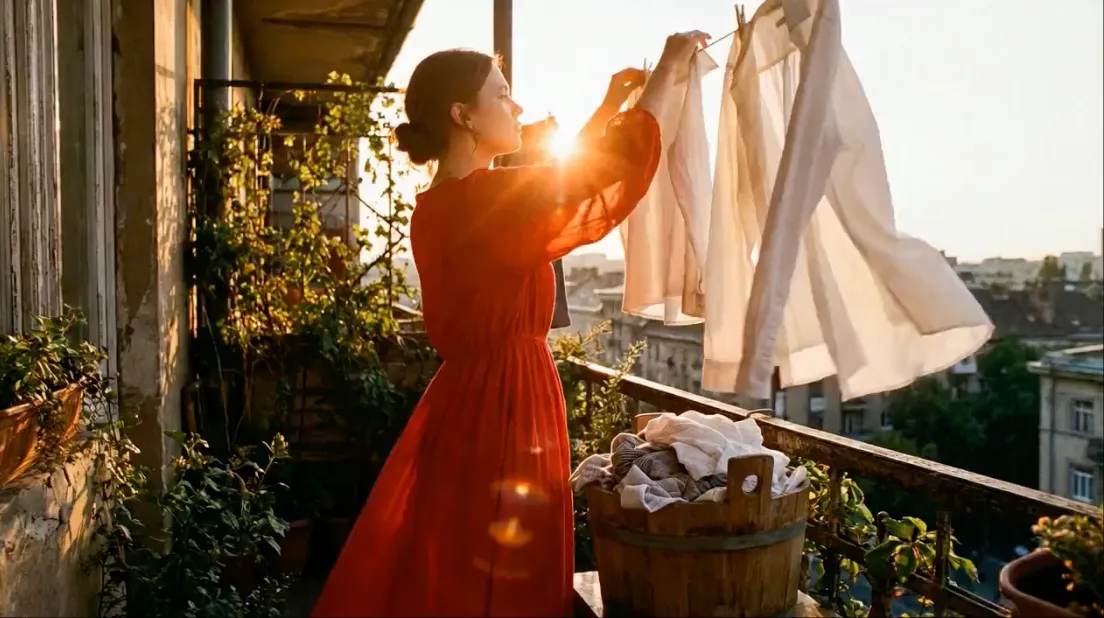
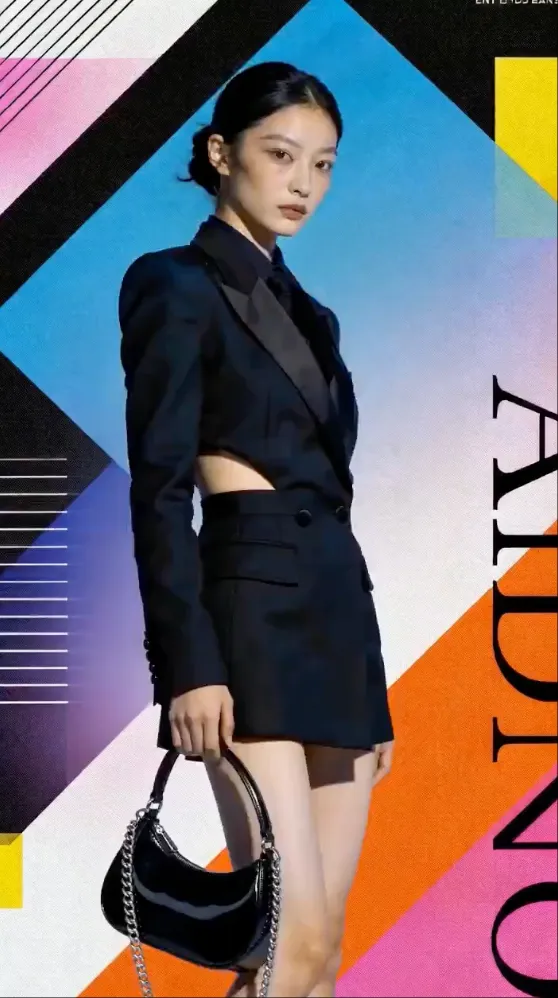
Fashion Model Poses
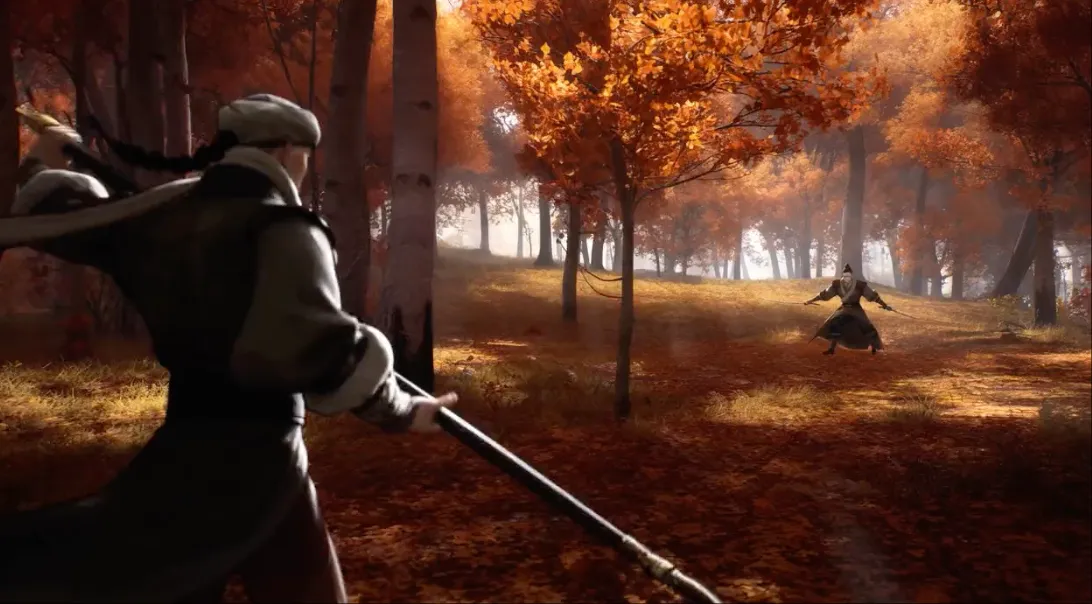
Martial Arts Action
Landscape & Environment
Cinematic Landscape Pan
Ocean Waves Close-Up
Urban Timelapse Feel
Creative & Artistic
Anime Character Animation
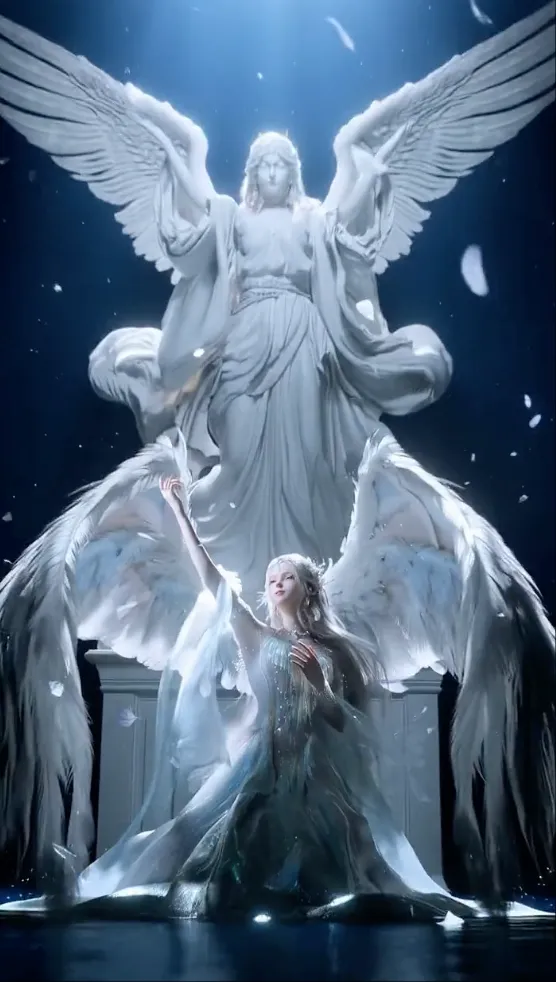
Fantasy Creature Awakening
Abstract Art in Motion
Social Media & Marketing
Instagram Reels Opener
TikTok Product Demo Hook
YouTube Shorts Transition
Kling Prompt Tips & Common Mistakes
✓ Do: Match Your Prompt to the Source Image
If your image shows a woman in a red dress, describe a woman in a red dress. Kling uses the image as a strong reference — contradicting it leads to weird results.
✓ Do: Specify Camera Movement Clearly
Instead of "dynamic camera," say "camera slowly orbits from left to right." Specificity in direction and speed dramatically improves output quality.
✓ Do: Use 3 to 5 Sentences Maximum
Concise prompts outperform long ones. Each sentence should add new information — avoid repeating the same idea in different words.
✗ Don't: Overload with Style Keywords
Using 10+ style keywords confuses Kling. Pick 2 to 3 that matter most: "cinematic lighting, shallow depth of field, 4K quality" is enough.
✗ Don't: Ask for Impossible Motions
Kling can't make a person walk out of frame and back, or dramatically change outfits mid-clip. Keep motion realistic and continuous.
Try These Prompts on Kling AI
Create an account for starter credits, upload an image, and paste one of these prompts into our Kling AI Video Generator.
Image to Video AIFrequently Asked Questions
What is the best prompt format for Kling AI image to video?
The most effective Kling prompts follow a 5-part structure: subject description, specific motion or action, camera movement direction, lighting and atmosphere, and quality/style keywords. Start with what you want to happen (the motion), then describe how the camera should capture it, and finish with the visual mood. Kling responds well to concise, specific prompts rather than vague creative descriptions. Avoid overloading the prompt with too many instructions — 3 to 5 sentences is the sweet spot.
Does Kling AI support camera movement prompts?
Yes, Kling supports detailed camera movement instructions including orbit, dolly in/out, pan left/right, tilt up/down, zoom, and aerial/drone shots. You can specify camera speed (slow, steady, fast) and movement style (smooth, handheld, tracking). Kling 3.0 also supports Motion Brush for manual camera path control on the web interface. For API usage, camera movement is best specified in the text prompt with clear directional language like "camera slowly orbits the subject from left to right."
How do I keep character consistency in Kling video prompts?
To maintain character consistency in Kling, use detailed facial and clothing descriptions in your prompt. Include specifics like hairstyle, outfit color, skin tone, and body type. Kling also benefits from using the original image as a strong reference — the more detail in your source image, the better the consistency. Avoid prompts that contradict the source image. For multi-shot sequences, use consistent prompt descriptions across clips. Kling 3.0 improved consistency significantly compared to earlier versions, especially for faces and hands.
What prompt keywords work best for cinematic results in Kling?
Cinematic keywords that consistently produce great results in Kling include: "cinematic lighting," "shallow depth of field," "golden hour," "volumetric lighting," "film grain," "anamorphic lens," "4K quality," "professional cinematography," "smooth camera movement," and "dramatic atmosphere." For color grading, terms like "teal and orange," "warm tones," "moody desaturated," or "vibrant saturated" help steer the aesthetic. Combining 2 to 3 of these keywords usually produces better results than listing many.
Can I use negative prompts with Kling AI?
Kling AI does not currently support negative prompts in the same way Stable Diffusion does. However, you can include avoidance instructions directly in your prompt using phrases like "avoid distorted hands," "no scene jumping," "keep face consistent," or "maintain product shape accuracy." These soft negative instructions are generally effective in Kling 3.0. For stricter control, ensure your source image is high quality and closely matches your desired output, as the model relies heavily on the reference image for structure.