MiniMax H3 Max Image to Video Generator
Upload a first frame, direct motion and sound, and create a 5–15 second H3 Max video with optional end-frame control.

Generated with MiniMax H3 Max · 5s · 768P · native audio
Three real H3 Max image-to-video examples
Each example uses an original first frame created for this page, a complete production prompt, and an actual 5-second H3 Max result with native audio. These examples use one image; the generator also supports first + end frame control.
 First frame
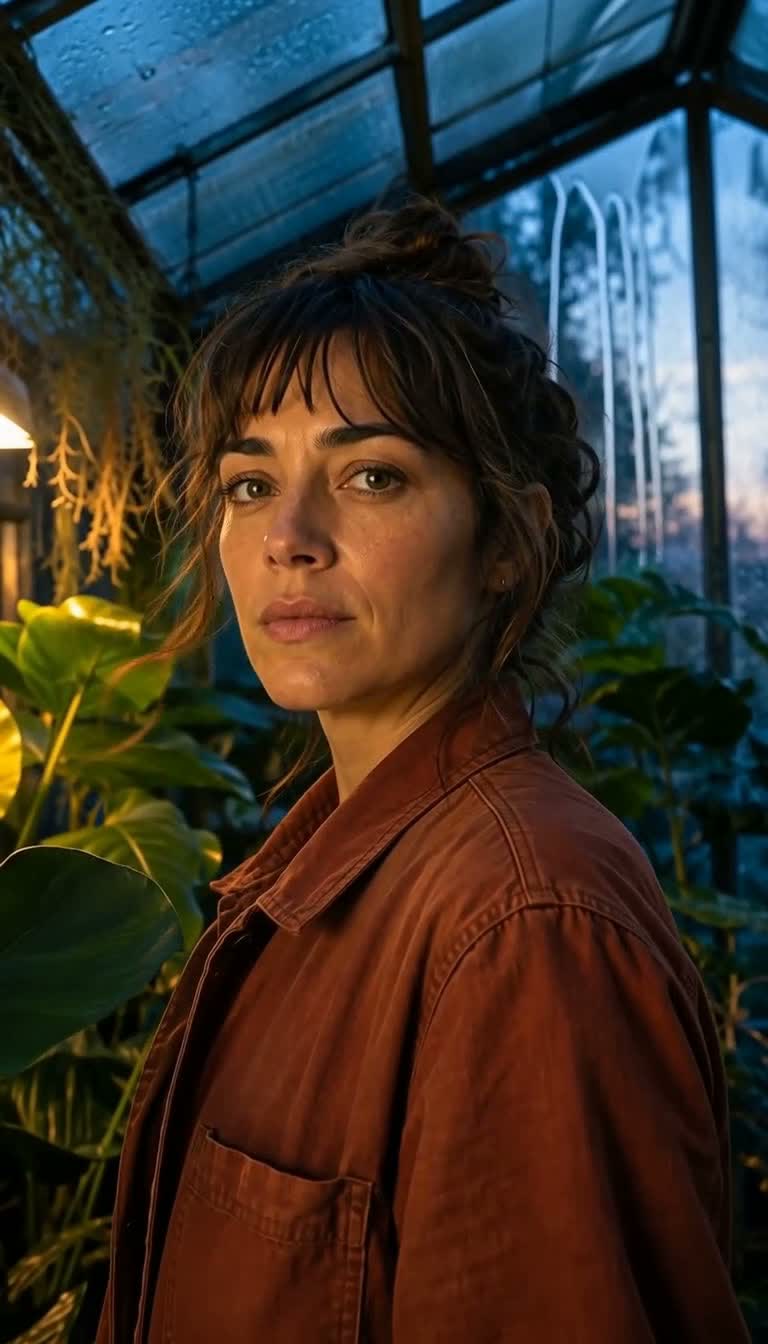
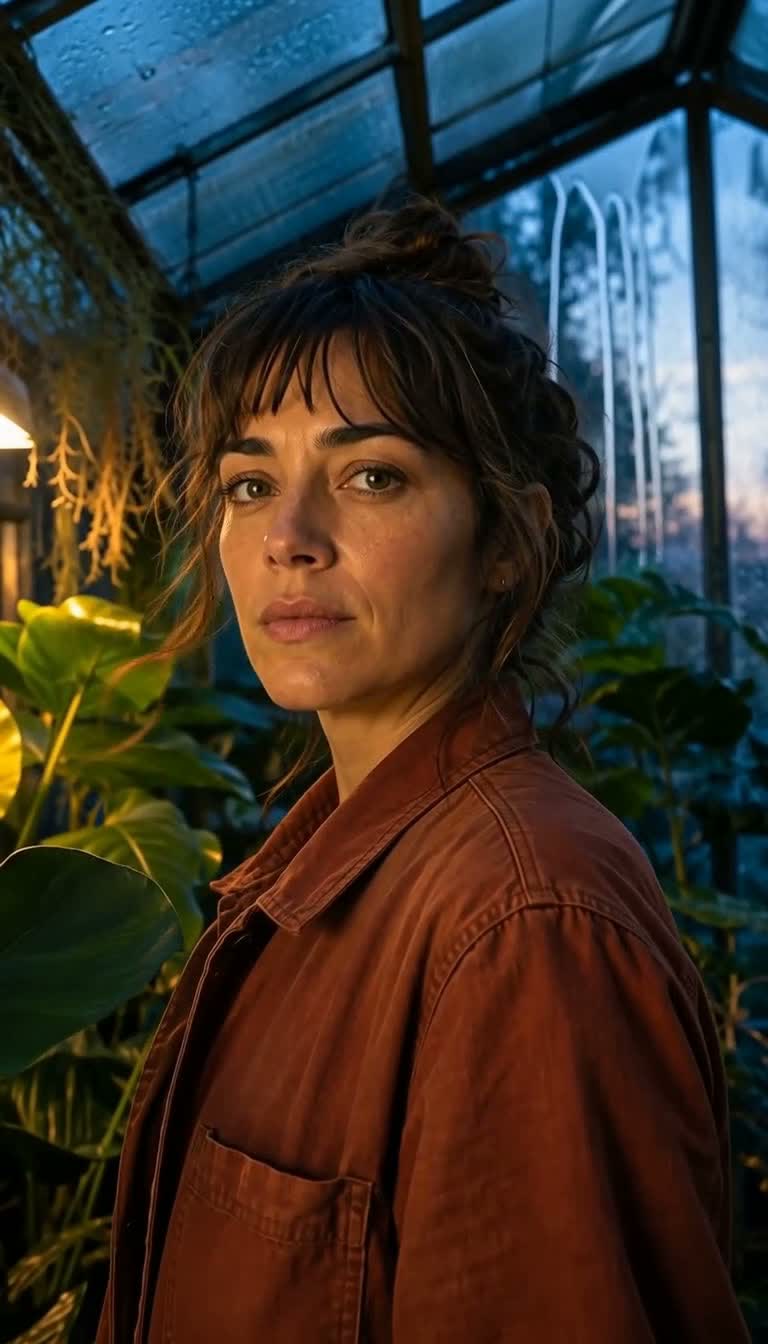
Greenhouse portrait
Original source
Original 9:16 editorial portrait generated for this H3 Max test
Prompt preview
One continuous cinematic editorial portrait shot. The greenhouse ventilation quietly starts, making two nearby leaves sway and lifting only a few loose strands of the botanist's hair. Condensation droplets travel slowly down the glass behind her as cool dawn light grows slightly brighter. She takes one quiet breath, blinks naturally once, then shifts her eyes toward a moving leaf without turning her head. The camera makes a very slow stable push-in. Preserve her exact facial identity, realistic skin texture, anatomy, hairstyle, rust linen jacket, greenhouse structure, plants, lighting direction, and original framing. Exactly one person; no talking, no lip movement, no duplicate reflections, no beauty-filter skin, no text, no logo. Native audio: soft ventilation hum, faint leaf rustle, occasional condensation drip, and distant early-morning birds outside; no music and no dialogue.
5s · 768P · first frame · native audio
 First frame
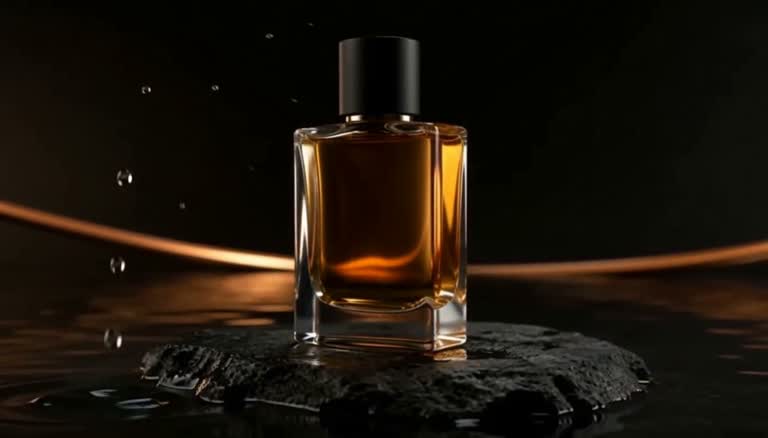
Amber perfume reveal
Original source
Original 16:9 unlabeled product image generated for this H3 Max test
Prompt preview
One continuous premium luxury product shot. A single low circular ripple travels across the black water and reaches the volcanic-stone pedestal, creating a few delicate splash beads without moving the bottle. At the same moment, a narrow copper highlight sweeps slowly from left to right through the amber liquid, producing realistic glass caustics and a soft reflection in the water. The camera performs a subtle low three-quarter arc of less than fifteen degrees while keeping the bottle centered and fully visible. Preserve the exact bottle silhouette, glass thickness, amber liquid level, matte black cap, pedestal texture, horizon light, and original composition. Exactly one bottle and one cap; no label, no writing, no duplicate product, no floating, no shape morphing, no hands, no logo. Native audio: one soft water ripple, a few tiny droplets, and a quiet spacious studio room tone; no voice and no music.
5s · 768P · first frame · native audio
 First frame
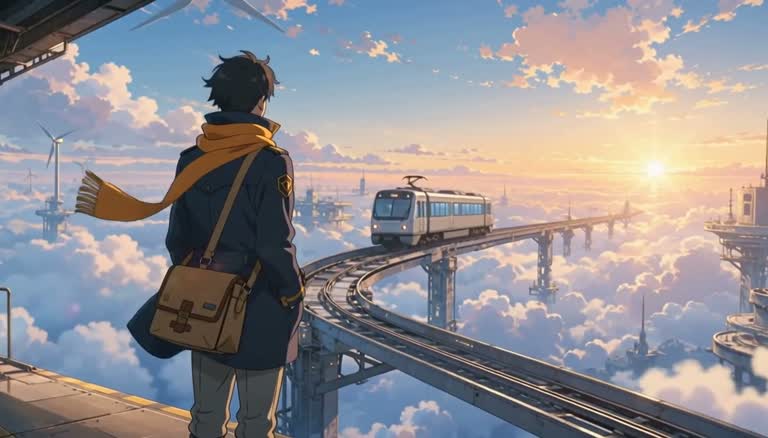
Sky-rail anime scene
Original source
Original 16:9 anime key frame generated for this H3 Max test
Prompt preview
One continuous original hand-drawn anime shot. The empty sky train approaches smoothly along the distant curved rail while the single courier takes one small deliberate step toward the platform edge. The saffron scarf and navy coat hem lift in a clean steady breeze, distant wind turbines rotate slowly, and layered clouds drift apart to reveal warm sunrise light below. The camera glides gently forward along the rail direction, creating clear multi-plane parallax without orbiting the character. Preserve the courier's face, anatomy, hands, navy coat, saffron scarf, messenger bag, platform structure, train design, palette, clean line work, and controlled cel shading. Exactly one character and one train; no extra limbs, no costume morphing, no live-action or 3D texture, no readable text, no logo. Native audio: soft high-altitude wind, distant rail hum growing gradually closer, quiet coat and scarf flutter, and a restrained platform chime with no spoken words; no music.
5s · 768P · first frame · native audio
H3 Max vs Kling vs Seedance for image to video
| Model family | Best fit | Audio | Controls available here |
|---|---|---|---|
| MiniMax H3 Max | Prompt-led motion with fast iteration | Native audio | First frame, optional end frame, 5–15s, 480P/768P |
| Kling | Cinematic motion and higher-resolution options | Depends on model | Model-specific duration, resolution, ratio, and audio settings |
| Seedance | A range of quality and cost profiles | Optional on available models | Model-specific duration, resolution, ratio, and audio settings |
MiniMax H3 Max image-to-video controls
Shape the shot with a first frame, precise motion and sound direction, and an optional end frame. Review every supported output setting and its credit cost before generation.
- First-frame composition
- Your uploaded image establishes the subject, framing, visual style, and output aspect ratio.
- Optional end frame
- Add a compatible final image when the destination pose or composition needs tighter control.
- Motion with native audio
- Direct camera movement, subject action, dialogue, ambience, and sound effects in one prompt.
- Duration and resolution
- Choose 5, 10, or 15 seconds at 480P or 768P, with the exact credit cost shown before generation.
How to create a MiniMax H3 Max video
Turn one image into a finished video with native audio in three straightforward steps.
Upload a first frame
Use a portrait, product photo, illustration, or scene with a clear subject. H3 Max keeps the image’s aspect ratio.
Direct motion and sound
Name the subject action, camera move, visual constraints, and the dialogue or ambience you want to hear.
Choose output settings
Select 5, 10, or 15 seconds and 480P or 768P. Review the credit cost before generation.
MiniMax H3 Max FAQ
What is MiniMax H3 Max?
MiniMax H3 Max is fal’s post-trained variant of the MiniMax H3 video model. It is tuned for prompt adherence and visual quality and is served through fal’s inference platform.
Can H3 Max turn one image into a video?
Yes. Upload a first-frame image, describe the subject motion, camera movement, lighting, and sound, then generate a clip. The output shape follows the uploaded image.
Does MiniMax H3 Max support a last frame?
Yes. You can optionally add an end frame to guide the destination composition. Use start and end images with compatible subjects, style, and framing for a more coherent transition.
Which duration and resolution options are available?
This generator offers 5, 10, and 15 second clips at 480P or 768P. The selected combination and its credit cost are shown before you generate.
Does H3 Max generate audio?
Yes. H3 Max generates native synchronized audio with the video. Describe dialogue, ambience, sound effects, or silence directly in the prompt.
How is H3 Max different from Kling or Seedance?
H3 Max focuses on fast 480P and 768P generation with native audio and optional first-to-last-frame control. Kling and Seedance offer different resolution, duration, audio, and motion options, so the best choice depends on the shot.
Animate your first frame with H3 Max
Upload an image, write the motion and sound direction, and see the exact credit cost before generating.
Open the H3 Max generator