Kling O3 Pro15s · 1080p
Two strangers, one mic
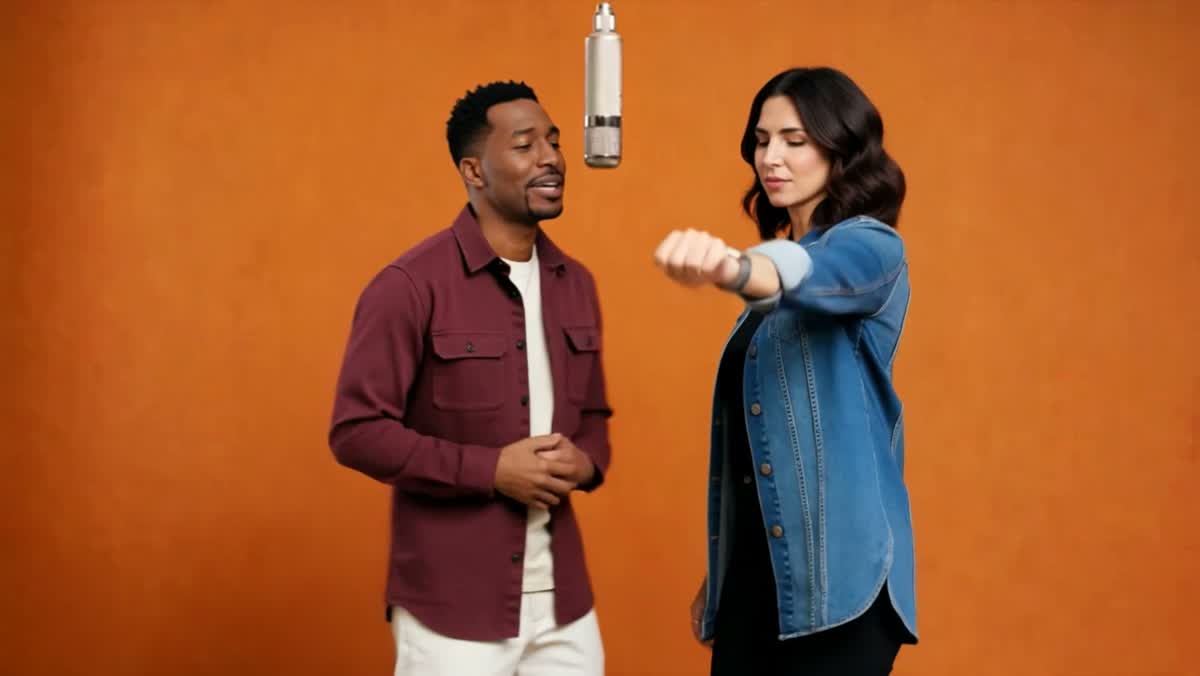
He takes the left, she takes the right. Their outfits carry over, and they hit the same turn on the same beat as the original.
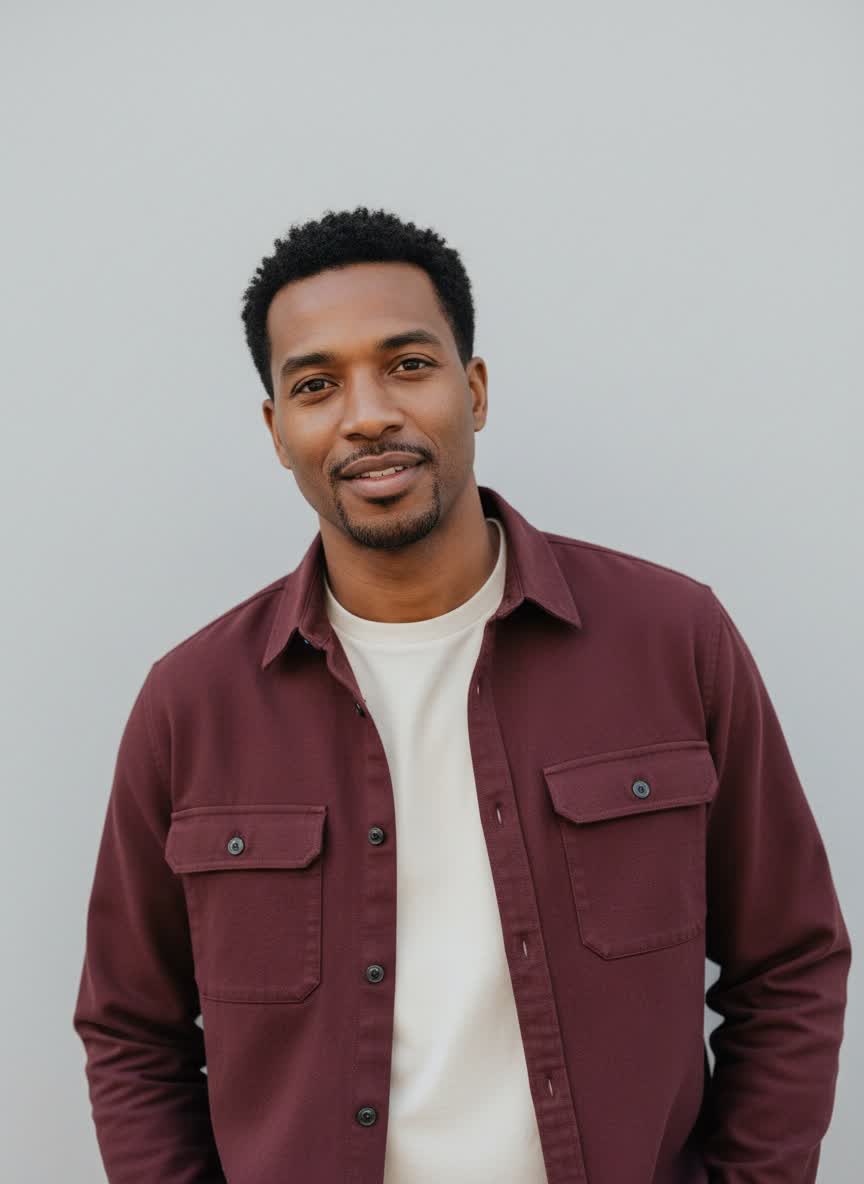
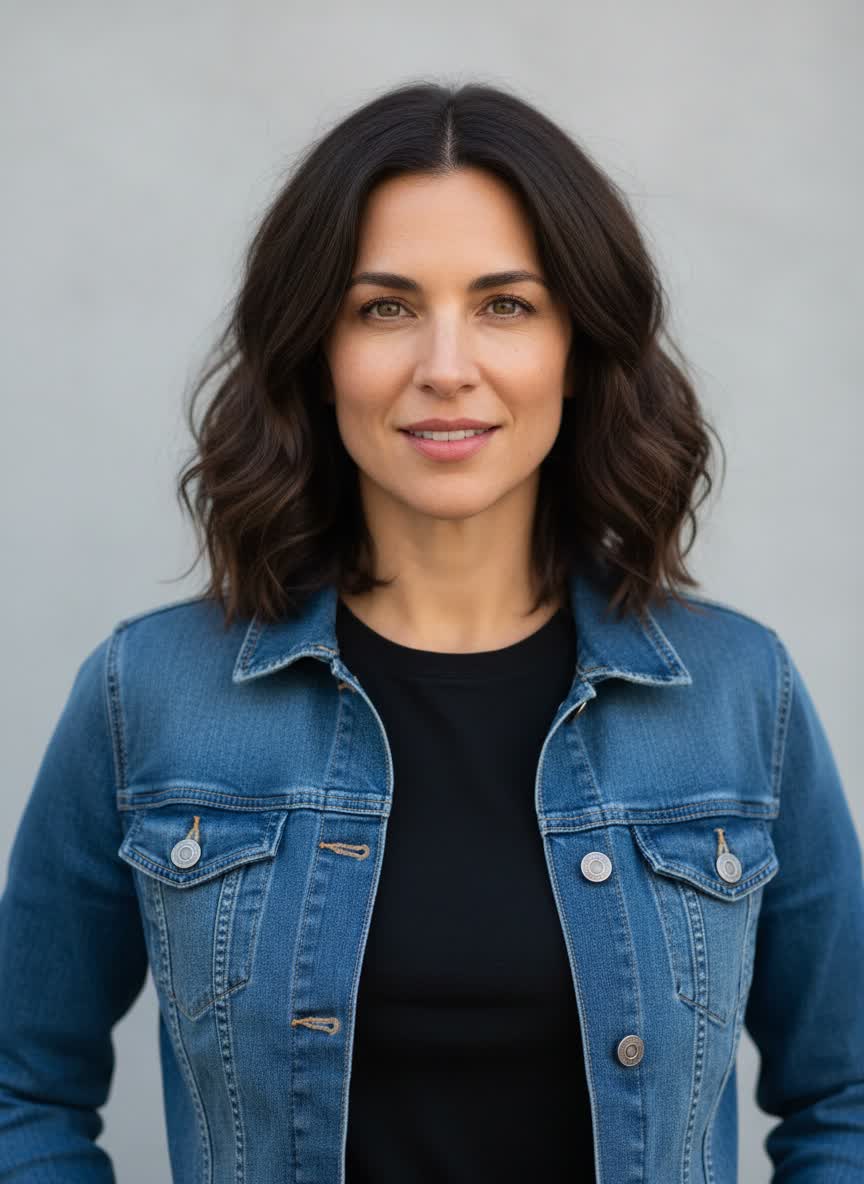
Photo 1 goes left,
photo 2 goes right.
Made for duos
Drop in two photos — you and your best friend, your partner, even your dog — and they take over the orange room from the Hotel Lobby performance. Same mic, same moves, same back-and-forth.
Photo 1 · left
Photo 2 · right
Model
Kling O3 Pro · With sound
Sign in after adding your photos.
One subject per photo · JPG, PNG or WebP · Up to 10MB each. Drop photos into the boxes or click to upload.
Only use photos you’re allowed to use. It takes a few minutes. You can leave, it’ll be in History.
The routine your photos will follow
Hit play to hear it. This is the exact clip your photos get dropped into.
What goes in, what comes out
Under each video are the two photos that went in. Both pairs are characters we made for this page. The animal clip was made with a different model for comparison, so check the label on each card.
He takes the left, she takes the right. Their outfits carry over, and they hit the same turn on the same beat as the original.
Photo 1 goes left,
photo 2 goes right.
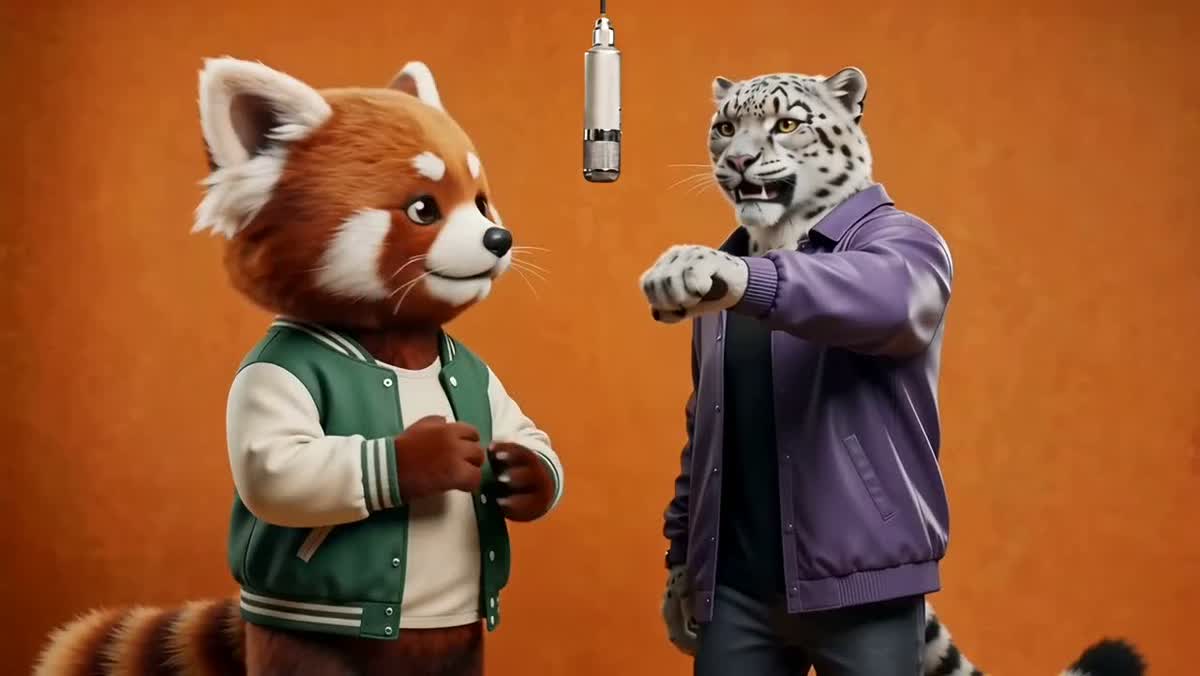
A red panda and a snow leopard run through the arm reach, the watch check and the spin. Made with Seedance 2.0 to compare models.
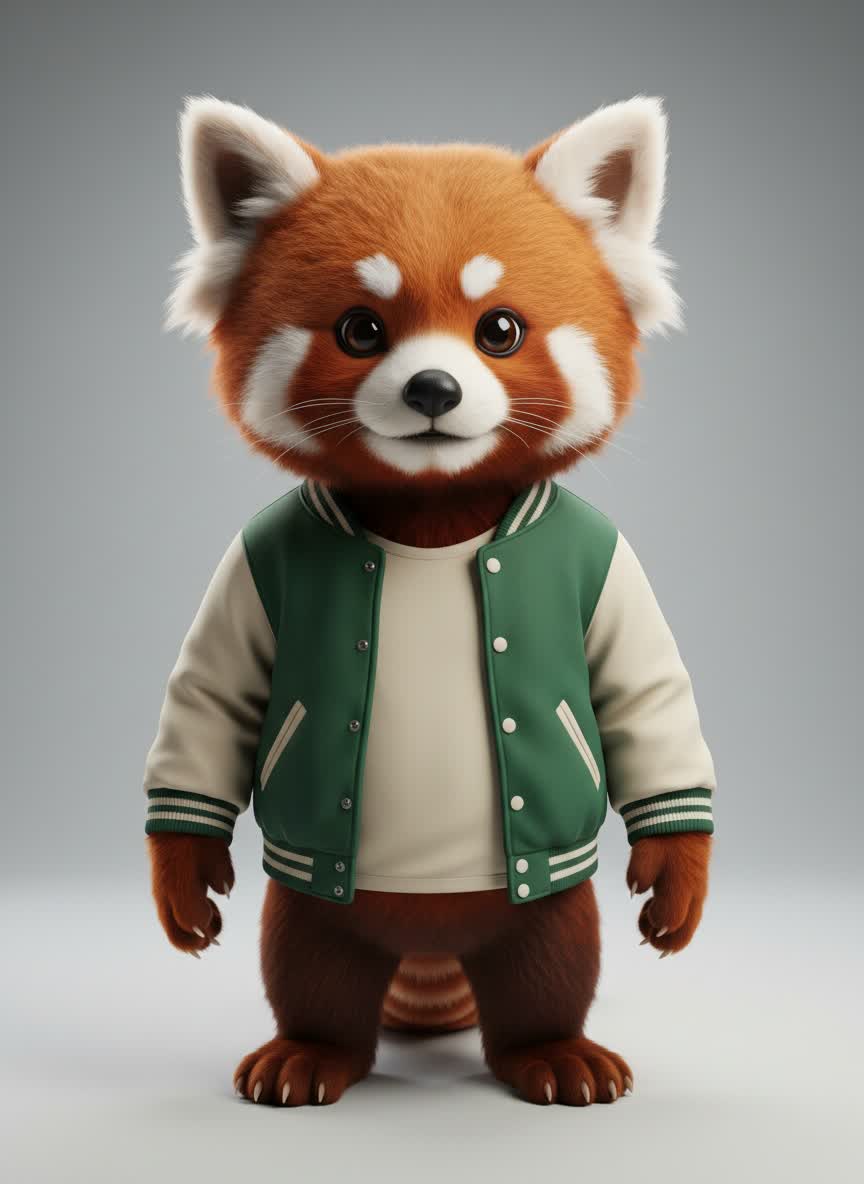
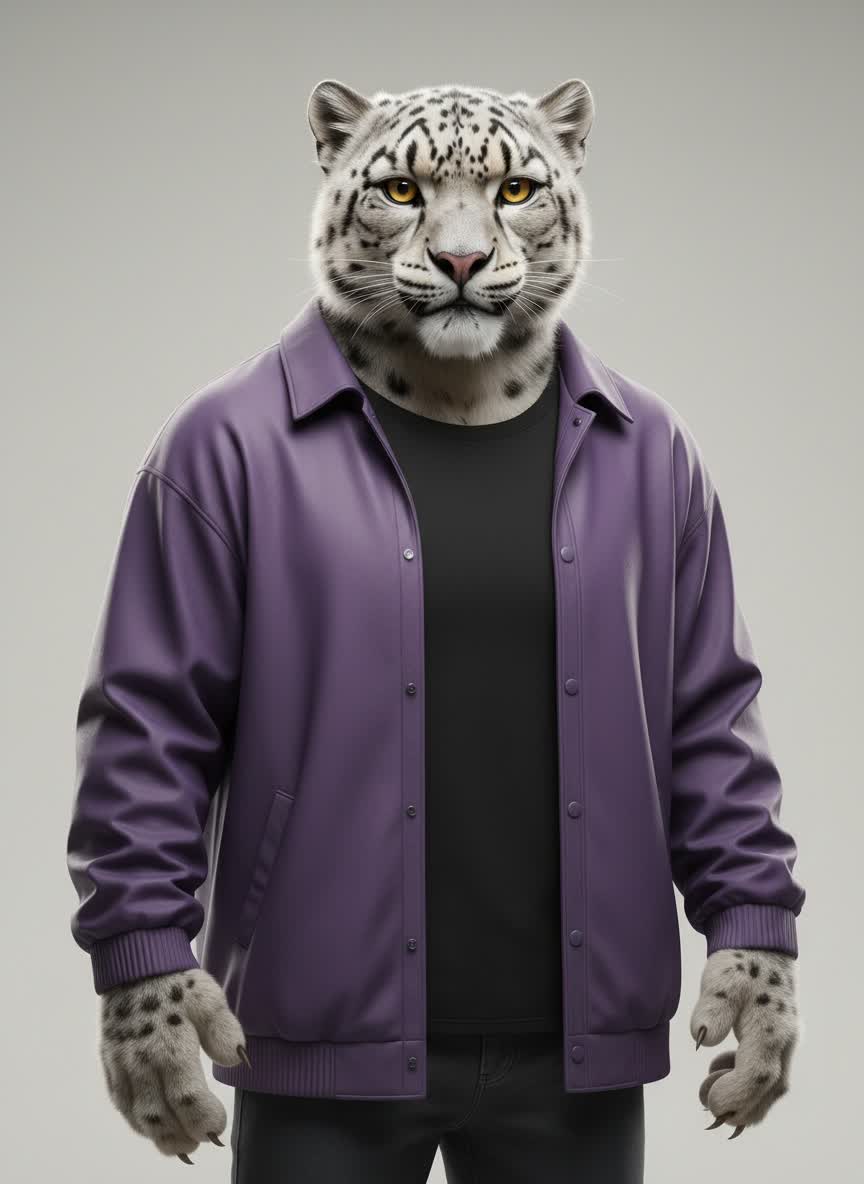
Photo 1 goes left,
photo 2 goes right.
Your result depends on your photos. Faces, hands and paws can shift a little from take to take.
01
One person (or pet) per photo. Photo 1 ends up on the left, photo 2 on the right. Hit the swap button if you want them the other way round.
02
Play the clip to see the routine, then choose 5, 10 or 15 seconds. Five is the cheap way to see how your pair looks.
03
Sign in, check the price on the button and hit create. It takes a few minutes. Grab the MP4 when it’s done.
It has nothing to do with hotels. Hotel Lobby is a performance video: two rappers in an orange room, one mic hanging from the ceiling, trading lines and turning on cue. That routine is the part everyone wants to copy.
You can’t get it from a text prompt. Describe an orange room and the AI makes up its own moves. So we start from the real performance and swap in your two photos. The moves stay. The faces change.
Crop out anyone else in the shot. With two faces in one photo, the AI has to guess which one you meant.
Straight on or slightly angled, in good light, no sunglasses. A far-away full-body shot gives it very little to work with.
Whatever they’re wearing in the photo is what they wear on stage. Pick the fit you want to see.
A short clip shows you quickly whether the pair works. If you like it, go longer.
Priced by length. The button shows the exact amount before anything is charged.
| Length | Credits |
|---|---|
| 5s | 200 credits |
| 10s | 400 credits |
| 15s | 600 credits |
It’s the orange-room duet from Quavo and Takeoff’s Hotel Lobby performance (two performers, one hanging mic) remade with the two people or pets in your photos. This is an independent tool, not affiliated with the artists or COLORS.
A prompt can give you an orange room, but the AI will invent its own moves. Starting from the real performance keeps the routine people recognize.
One clear face per photo, straight on or slightly angled, in good light. Photo 1 goes on the left and photo 2 on the right. Use the swap button to switch them.
Close, but not perfect. Faces and hands can shift a bit, especially when someone turns away. Try 5 seconds first. If you like the pair, make the longer one.
Kling O3 Pro. The people example on this page was made with it too. The animal example was made with Seedance 2.0 as a comparison; you can’t pick Seedance here.
There’s no quality setting. Kling picks the output size, and our people example came out at 1080p.
Yes. It keeps the audio from the original clip. Give it a quick listen before you post.
It shows up here when it’s done and stays in your History. Hit Download MP4 to save it.