ToonBee AI Video Generator
ToonBee turns scripts into cartoons. Use our generator below to animate an illustration you already have.
AI Image to Video is a separate service from ToonBee.
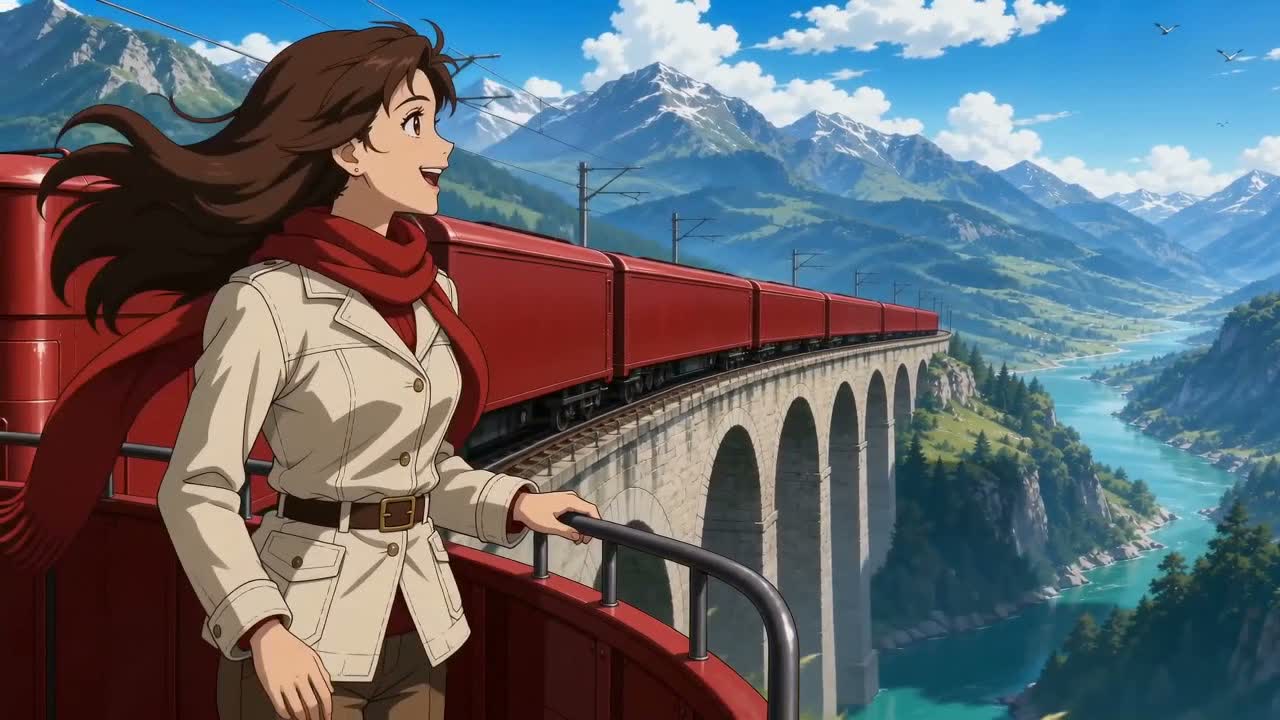
Made with Seedance 2.0 Fast on AI Image to Video
What does ToonBee offer?
According to the ToonBee website, its tools cover the script, scenes, sound, and editing.
Script to cartoon
ToonBee builds a storyboard and animated scenes from an idea or script.
Recurring characters
Reuse a character’s appearance across scenes.
Multiple visual styles
Choose a cartoon, 3D, comic-book, or illustrated style.
Voiceover
Generate narration or import your own voice.
Background music
Generate background music to match the mood of a scene.
Timeline editing
Adjust scenes, audio, captions, and timing before export.
A full cartoon or a single clip?
Starting from a script
ToonBee puts scene creation, voiceover, and editing in one place. It is an option when you want to turn a written story into a complete cartoon.
Starting from an image
Our generator starts with your artwork. Tell it how the character or camera should move, then check the result. You can try the same image with another model if the first take is off.
Compare our video modelsSample animations
These clips were made on AI Image to Video with Seedance and MiniMax.
Seedance 2.0 Fast
Red Scarf Alpine Express
A traveler turns toward the valley as her scarf blows in the wind and a train crosses the bridge.
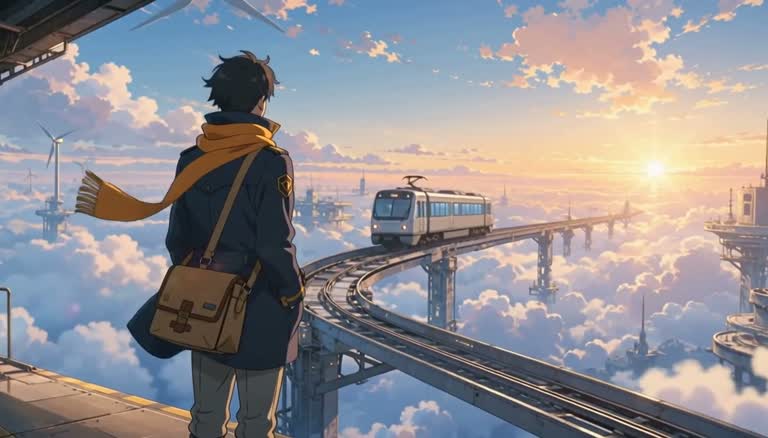
MiniMax H3 Max
Courier on the Sky Rail
A courier waits on a platform above the clouds as a train approaches.
How to animate your illustration
- 1
Upload an illustration
Choose an image with a clearly visible character. For your first clip, a simple pose and a quiet background give you fewer moving parts to manage.
- 2
Describe the movement
Say what should move: a wave, a head turn, or a scarf in the wind. Choose a model, set the clip length and resolution, and check the credit cost.
- 3
Check the result
Watch for changes to the face, hands, and background. Download a take you like. You can join clips and add narration in a video editor.
Motion prompts for cartoon images
Pair each prompt with a suitable image, or change the subject to match your drawing.
An owl at the chalkboard
The illustrated owl raises one wing toward the chalkboard, blinks once, and nods. Slow camera push-in. Keep the original flat colors, clean outlines, face, and costume. One continuous shot; no new characters or text.
A fox at the window
The small fox looks up as three autumn leaves drift past the cottage window. The camera slides gently to the right. Preserve the watercolor texture, character proportions, and warm palette. No scene cuts or changes of outfit.
A waving robot
The cartoon robot gives one small wave, then settles into its original pose. Locked camera, simple background, soft studio lighting. Preserve its silhouette, colors, and number of fingers. No added lettering or objects.
ToonBee AI video generator FAQ
What is ToonBee AI video generator?
ToonBee turns a script or idea into a cartoon with several scenes, narration, and music. It also has an editor for adjusting the result.
Can I use ToonBee on this website?
No. This is AI Image to Video. The generator runs the model shown in the selector, such as Seedance or Kling. To use ToonBee, visit its own website.
Is ToonBee free?
ToonBee’s FAQ says there is no free version or trial. On this site, new accounts can generate one video free; after that, generation uses credits. Review the cost shown for your selected model and settings.
Can I animate a cartoon image here?
Yes. Upload the image and describe what should move. Try a short clip first: even with a reference image, the model may change small details.
Will this create a complete narrated cartoon automatically?
No. This generator makes individual clips. For a longer cartoon, make each scene separately, then add the clips and narration to a video editor.
How can I keep a character recognizable across clips?
Use reference images with the same face, clothes, and colors. Keep the action simple and check each clip before making the next one. The model can still change details between shots.
Animate your own illustration
Upload a drawing and try a small movement, such as a wave or a glance to the side.