AI kissing video generator
Add one photo of each person. AI brings them together for a gentle, romantic kiss with soft music.
- 2 photos · one per person
- 5, 10 or 15 seconds · 480p or 768p
- Vertical, square or wide
- Romantic music
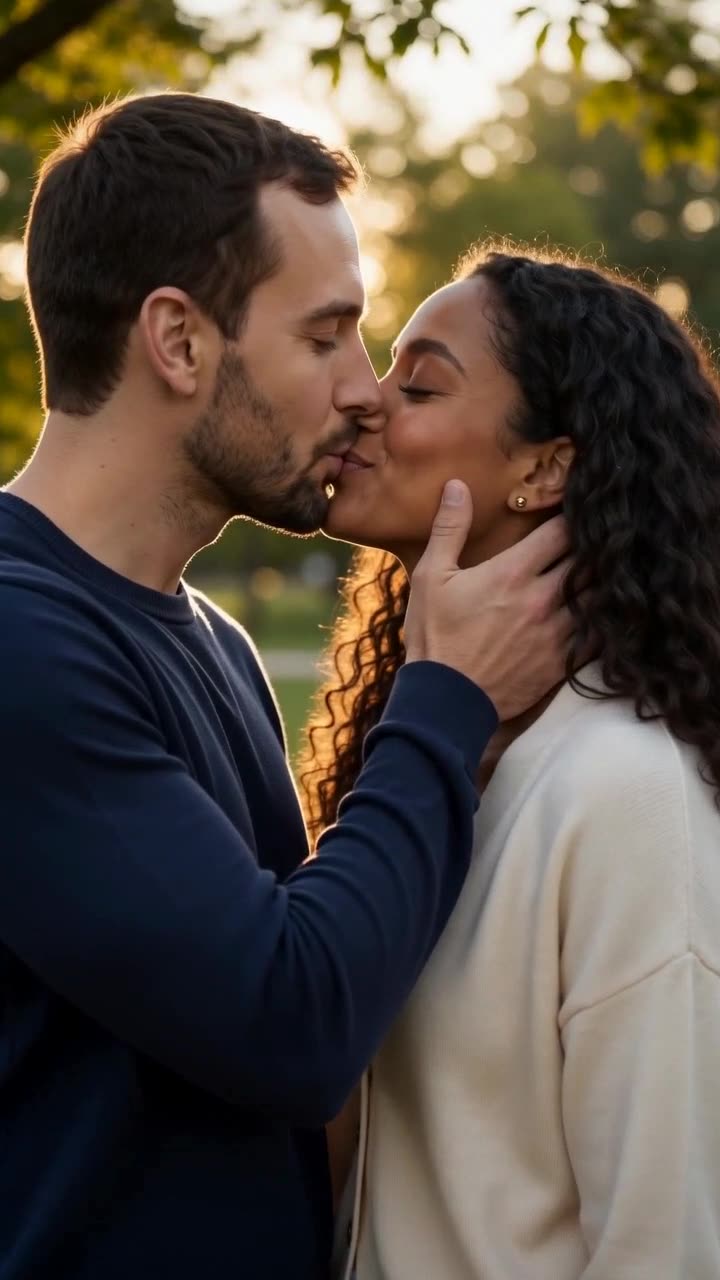


Two fictional people, one photo each. These two photos went in; yours take the same left and right spots.
Format
MiniMax H3 Max Turbo · Generated audio
Sign in after adding your photos.
Only use photos you’re allowed to use. It takes a few minutes. You can leave, it’ll be in History.
AI image to video guide
The short answer
To make an AI kissing video, add two photos above, one of each person. Photo 1 becomes the person on the left and photo 2 the person on the right. MiniMax H3 Max Turbo places them together in a golden-hour park, has them lean in for a soft kiss and adds romantic piano music. Choose 5, 10 or 15 seconds at 480p or 768p, vertical, square or wide. Prices start at 100 credits for 5 seconds at 480p and update before you generate. Kisses stay romantic and suitable for a family film.
Updated
AI kissing video: quick facts
- What you upload
- Two photos, one person in each; no editing needed
- Video
- 5, 10 or 15 seconds; 480p or 768p; 9:16, 1:1 or 16:9
- Sound
- Soft romantic music, generated with the video
- Price
- From 100 credits for 5 seconds at 480p
- Model
- MiniMax H3 Max Turbo
- Content rules
- Adults only, romantic PG-style kisses; explicit content is blocked
How to do it, step by step
Add photo 1 and photo 2
One person per photo, face clear and well lit. Photo 1 goes on the left, photo 2 on the right; use the swap button to switch them.
Choose length, resolution and format
Pick 5, 10 or 15 seconds and 480p or 768p. Use vertical 9:16 for social, square 1:1 for feeds, or widescreen 16:9.
Create the video
Prices start at 100 credits; the button shows the total for your settings. Generation takes a few minutes. You can leave the page; the video appears in History when it is ready.
Download and share
Save the MP4 with its music. There is no watermark.
Tips for better results
Clear, front-facing photos
One person per photo, looking at or slightly past the camera, in good light. Sunglasses, hats and heavy shadows make faces harder to keep.
Similar photos blend better
Two photos with similar light and framing, such as two waist-up selfies, give the most natural couple. Very different crops can make one person look larger.
Only use photos you are allowed to use
Use your own photos or photos of people who agreed. Never make kissing videos of real people without their consent, and never of minors.
Explicit content is blocked
The model checks every request. Sexual or explicit results are refused. If generation fails, the credits are refunded automatically.
One fixed model
Every video runs on MiniMax H3 Max Turbo with a golden-hour scene and generated audio. Not every video model handles two separate photos and a kiss reliably, so there is no model to choose.
FAQ
How does the AI kissing video generator work?
Upload one photo of each person. MiniMax H3 Max Turbo uses both photos as references, places the two people together in a golden-hour park and creates a 5 to 15 second clip of them leaning in for a gentle kiss, with soft romantic music.
Can I use two separate photos?
Yes, that is how it works. You don’t need a photo of the two of you together or any photo editing; add one photo of each person.
Is the AI kissing video generator free?
No. A 5-second 480p video costs 100 credits. Longer clips and 768p cost more; see the total on the Generate button. One-time packs start at $4.99, and pack credits never expire.
How long is the video, and does it have sound?
Choose 5, 10 or 15 seconds at 480p or 768p, in vertical 9:16, square 1:1 or widescreen 16:9, with soft romantic piano music generated together with the video.
Can I choose the model, the place or the music?
No. Every video uses MiniMax H3 Max Turbo, a golden-hour park and soft piano music, with selectable duration and resolution.
Will it look like us?
Close, but not perfect. Faces can shift a little, especially in profile during the kiss. Sharp, well-lit, front-facing photos make the biggest difference.
Does it work with anime or cartoon characters?
The template creates photorealistic video, so drawn characters are turned into realistic people. Use photos of real-looking people for the best result.
Will the video have a watermark?
No. Videos download as clean MP4 files without a watermark or logo.
Related guides
AI hug video generator
Turn a photo into a warm hug.
Hotel Lobby AI video
Two photos into a rap duet with sound.
Tiny Desk AI
Turn your photos into a desk concert.
Want every model in one place? Use the AI image to video generator.