Audio to video AI generator
Upload a photo and an MP3, AAC or WAV clip. Seedance 2.5 animates the face to match your audio.
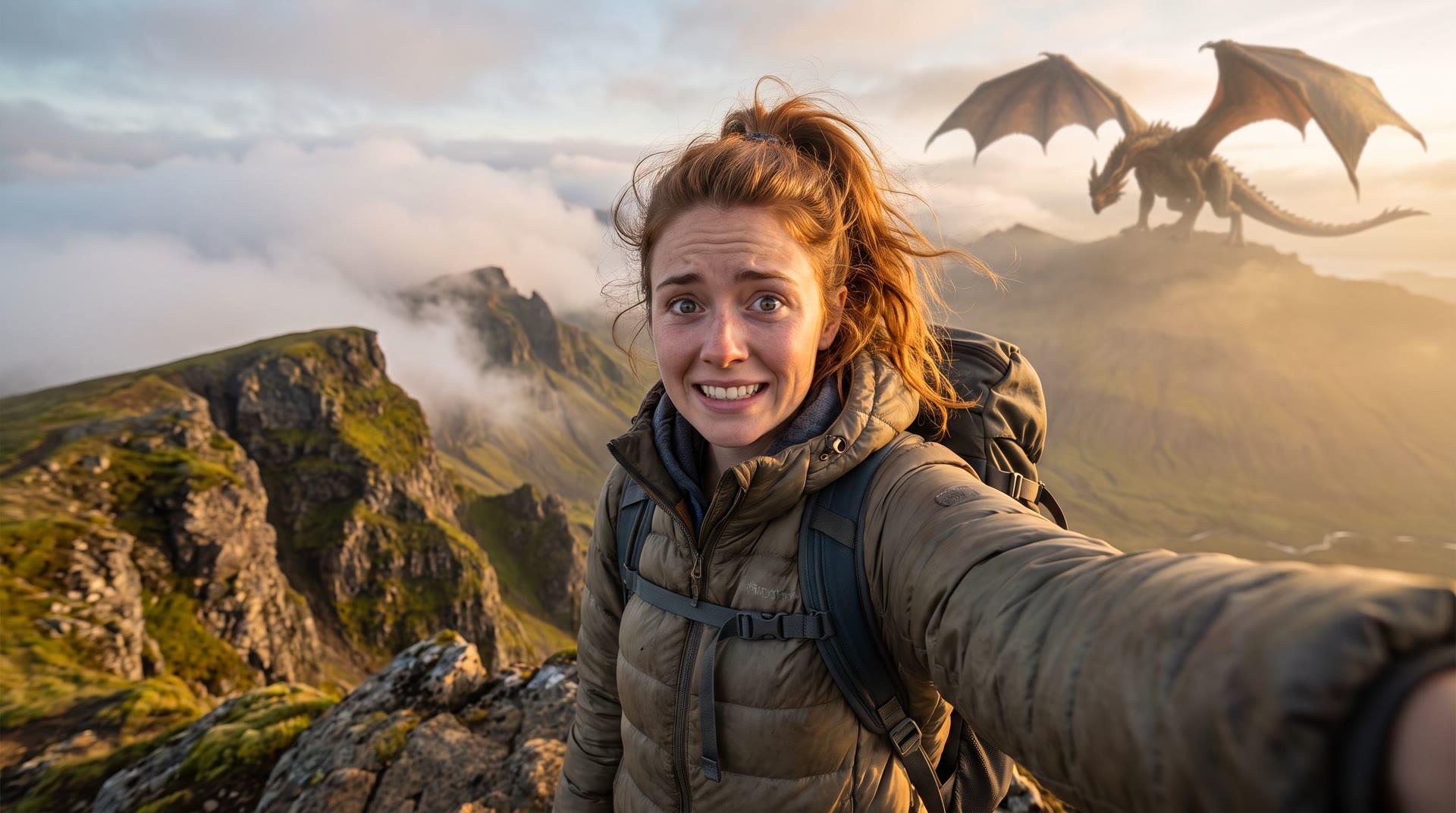
AI image to video guide
The short answer
To turn audio into a video, choose Seedance 2.5, upload a photo of the person who should speak, switch on Lip sync with your audio and add an MP3, AAC or WAV clip of up to 30 seconds (2MB). Set the clip length to cover your audio, describe the expression and camera, and generate. Seedance 2.5 starts at 215 credits (about $5.36) for 5 seconds at 480p and 430 credits (about $10.73) for 10 seconds; sound costs no extra credits.
Updated
Audio to video: quick facts
- Model
- Seedance 2.5 (Lip sync with your audio)
- Audio files
- MP3, AAC or WAV, up to 30 seconds and 2MB
- Video length
- 4 to 30 seconds; pick a length that covers your audio
- Price
- 215 credits (about $5.36) for 5 s, 430 credits (about $10.73) for 10 s at 480p
- Resolution
- 480p or 720p
- No audio file?
- Write the line in your prompt and an audio model speaks it
Models for audio and speech
Starting prices are the cheapest setting with audio off. Dollar figures use the $4.99 pack (200 credits); larger packs cost less per credit. The generator shows the exact total before you submit.
| Model | Best for | From | Lengths | Sound |
|---|---|---|---|---|
| Seedance 2.5 | Lip sync to your own audio file, up to 30 seconds | 175 credits (about $4.37) | 4–30s | Optional |
| MiniMax H3 Max Turbo | The cheapest talking clips from a line written in the prompt | 40 credits (about $1.00) | 5s, 10s, 15s | Included |
| Kling 4.0 | Generated speech and sound, up to 30 seconds | 265 credits (about $6.61) | 3–30s | Included |
| Veo 3.1 Fast | Generated speech with ambient sound, up to 8 seconds | 100 credits (about $2.50) | 4s, 6s, 8s | Included |
How to do it, step by step
Choose Seedance 2.5 and add a photo
Use a clear, front-facing photo with one person and the mouth visible. Portraits, illustrations and characters all work.
Turn on lip sync and upload audio
Switch on Lip sync with your audio and choose an MP3, AAC or WAV file up to 30 seconds and 2MB. Trim silence at the start and end first.
Match the clip length
Pick a video length at least as long as your audio, then describe the expression and camera, such as “smiles, slight head movement, slow push-in”.
Generate and download
The generator shows the price before you start. Download the MP4 with your audio when it is ready.
Prompts you can copy
Swap in your own subject and keep the structure: what moves, how the camera moves, and what stays the same.
Talking head
The woman looks into the camera and speaks naturally with small head movements and occasional blinks. Soft studio light, fixed camera, plain background.
A calm, front-facing setup gives the cleanest lip sync.
Singing portrait
The man sings with feeling, eyes half closed, swaying gently to the rhythm. Warm stage light, slow camera push-in.
Use a vocal track without loud music for the best mouth movement.
Product presenter
The presenter holds the product at chest height, speaks to the camera with a friendly smile and nods at the end. Bright, clean studio, fixed camera.
Good for short ads and product explainers.
Cartoon character
The cartoon character talks excitedly to the camera, with big expressions and small hand gestures. Keep the original drawing style and colors.
Drawn characters often look best with lively expressions.
Tips for better results
Clean audio gives clean lips
Speech with little background noise or music syncs best. Remove long pauses so the face is not still for seconds at a time.
One voice per clip
With two speakers in one file, the model may move the wrong mouth. Make one clip per speaker and join them in an editor.
Keep the camera calm
Big camera moves and turns away from the camera make lip sync harder. A fixed camera or a slow push-in works best.
Use voices you have the right to use
Upload your own voice or audio you have permission for, and don’t make real people appear to say things they never said.
FAQ
What is an audio to video AI generator?
It turns a still photo and an audio clip into a video. The AI animates the face so the mouth, expression and head movement follow your audio.
Which audio formats can I upload?
MP3, AAC or WAV files up to 30 seconds and 2MB, with Seedance 2.5.
Is there a free audio to video AI generator?
Not here: each clip uses credits. Seedance 2.5 starts at 215 credits (about $5.36) for 5 seconds at 480p, and one-time packs start at $4.99 with credits that never expire.
How long can the video be?
Up to 30 seconds with Seedance 2.5. Choose a video length at least as long as your audio clip.
Can I make a music video or a singing photo?
Yes. Upload the vocal part of a song and describe a singing performance. Clean vocals without heavy instruments sync best.
What if I don’t have an audio file?
Write the words in quotes in your prompt and choose a model with sound, such as MiniMax H3 Max Turbo, Seedance or Veo 3.1. The model generates the voice for you.
Related guides
Make a picture talk
Talking photos from a line in the prompt.
Seedance 2.5 AI video generator
Prices and settings for Seedance 2.5.
AI dance generator
Make a photo dance to music.
Want every model in one place? Use the AI image to video generator.