Hands-On Comparison · Updated
Best AI Image Editor in 2026: Prompt Edits, Pricing & Watermarks Compared
Most “best AI image editor” roundups just list ten brand names and copy marketing blurbs. When you actually edit photos for product listings, social posts, or video start frames, only four things decide whether an editor stays in your workflow: subject preservation, prompt accuracy, retry cost, and whether exports are watermark-free.
At a glance: top AI image editors in 2026
| Editor | Best For | Pricing | Watermarks | Transparent PNG |
|---|---|---|---|---|
| AI Image to Video (Qwen 2.1 & Seedream 5.5) | Prompt edits, uncropping & turning edited frames into video | One-time packs from $12.99 (10–25 credits/edit) | None | Native RGBA (Qwen 2.1) |
| Adobe Photoshop (Generative Fill) | Pixel-level retouching, layers & commercial compositing | ~$22.99/mo subscription | None (C2PA metadata) | Yes (manual/auto mask) |
| ChatGPT / GPT Image | Conversational brainstorming & quick style changes | Free capped · Plus $20/mo | None | Supported |
| Canva Magic Studio | Social templates, marketing layouts & team decks | Free limited · Pro $15/mo | On Pro stock assets only | Pro plan required |
| Pixlr / Photoroom / Fotor | Quick browser crops & basic e-commerce cutouts | Free capped · Pro $5–$10/mo | Visible watermark on some free exports | Yes |
Test 1: E-commerce background swap without distorting the product
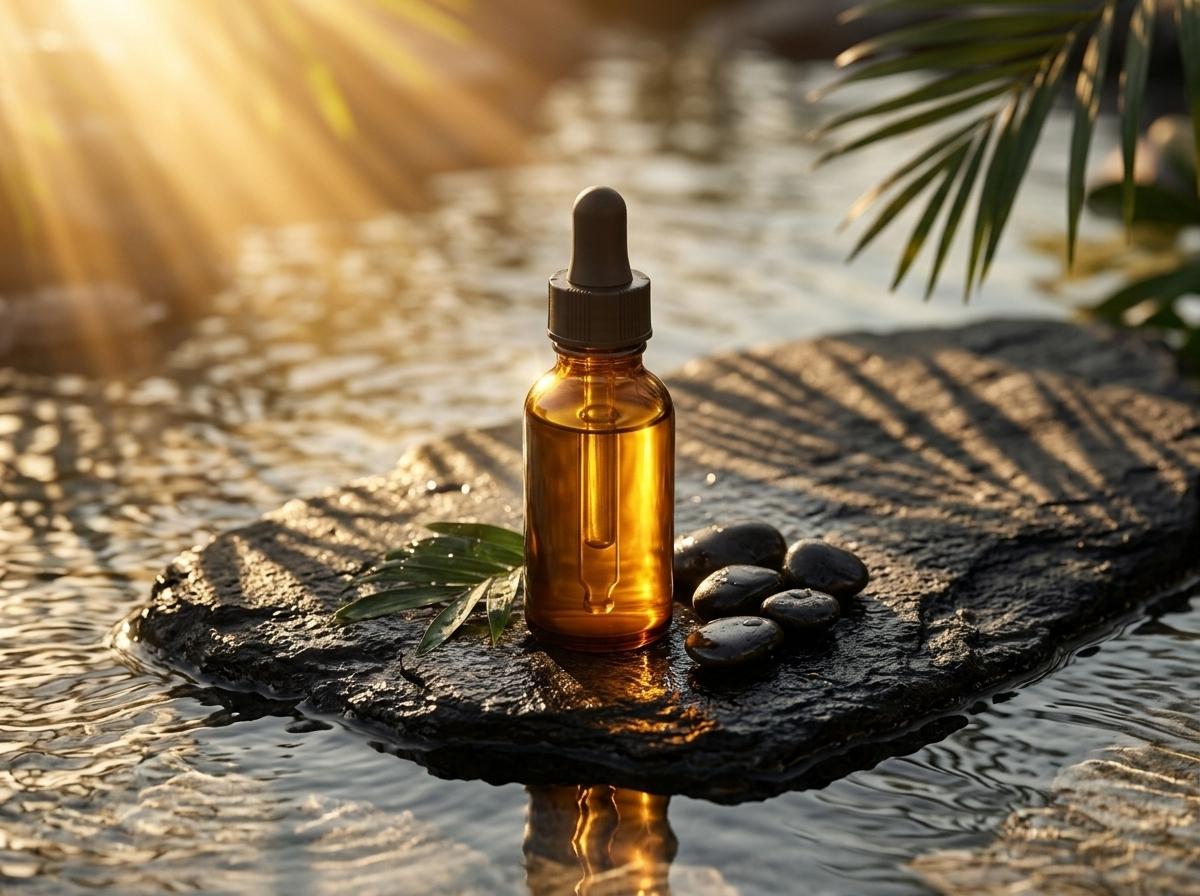
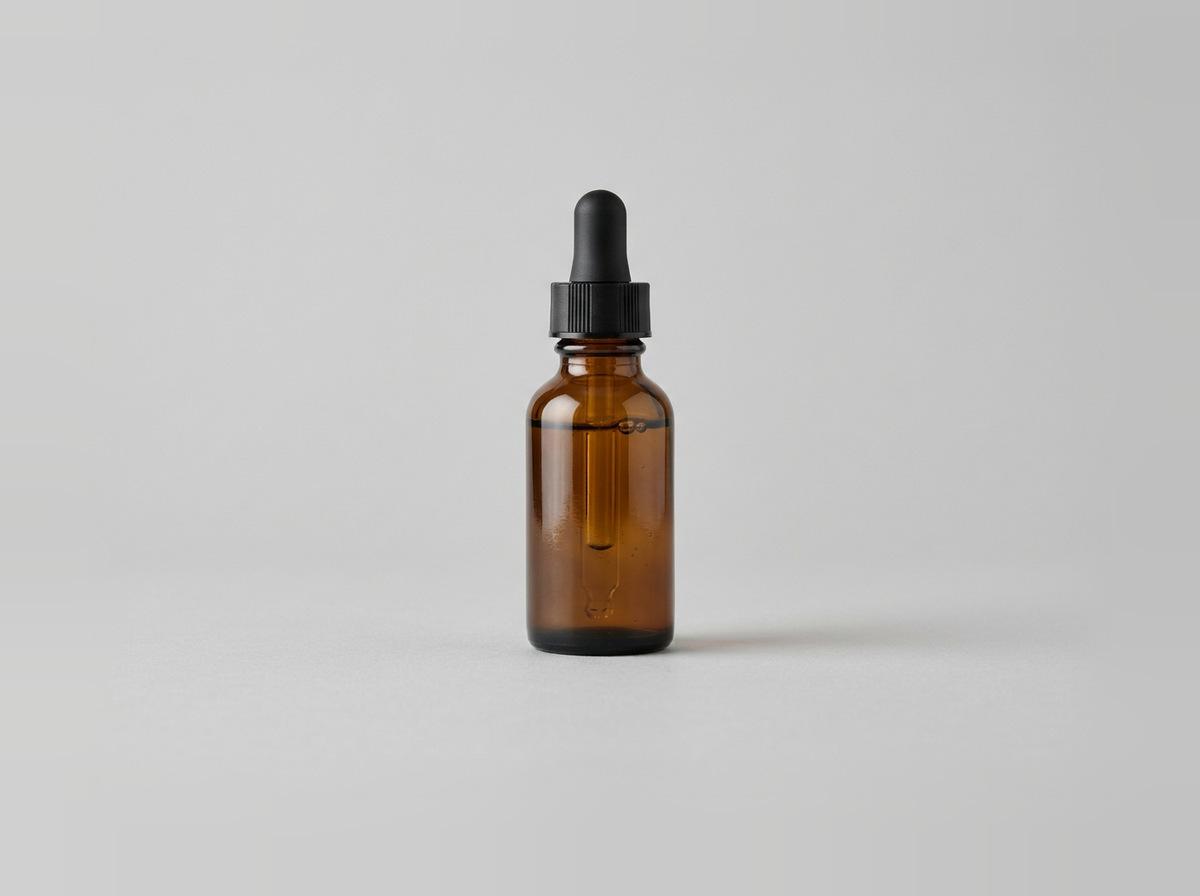
The fastest way to break a generic AI image editor is to upload a clean product bottle and ask for a dramatic studio surface. Chat-based models frequently warp the dropper cap or shift glass proportions. Dedicated instruction-editing models like Qwen Image 2.1 and Seedream 5.5 keep bottle geometry intact while wrapping realistic reflections and shadows around the base.
Test 2: Portrait relighting & identity preservation
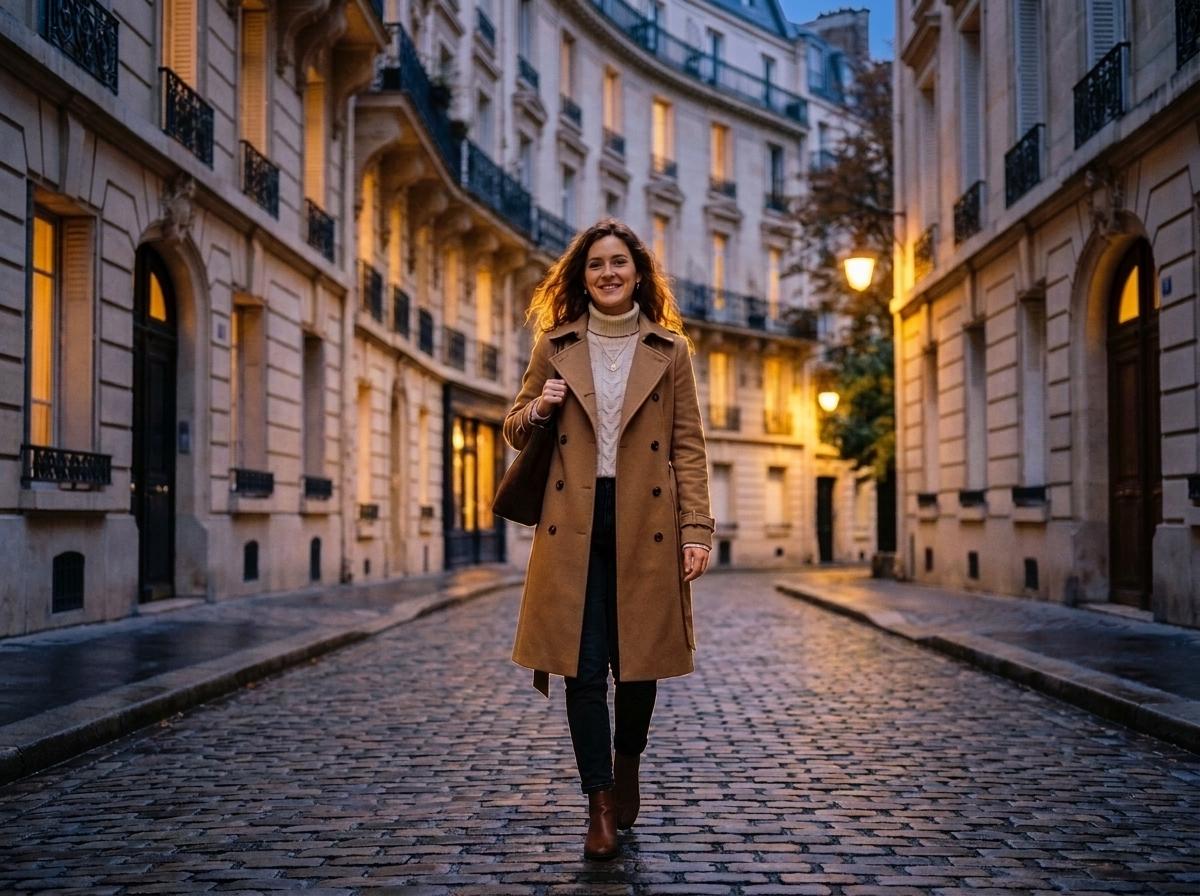
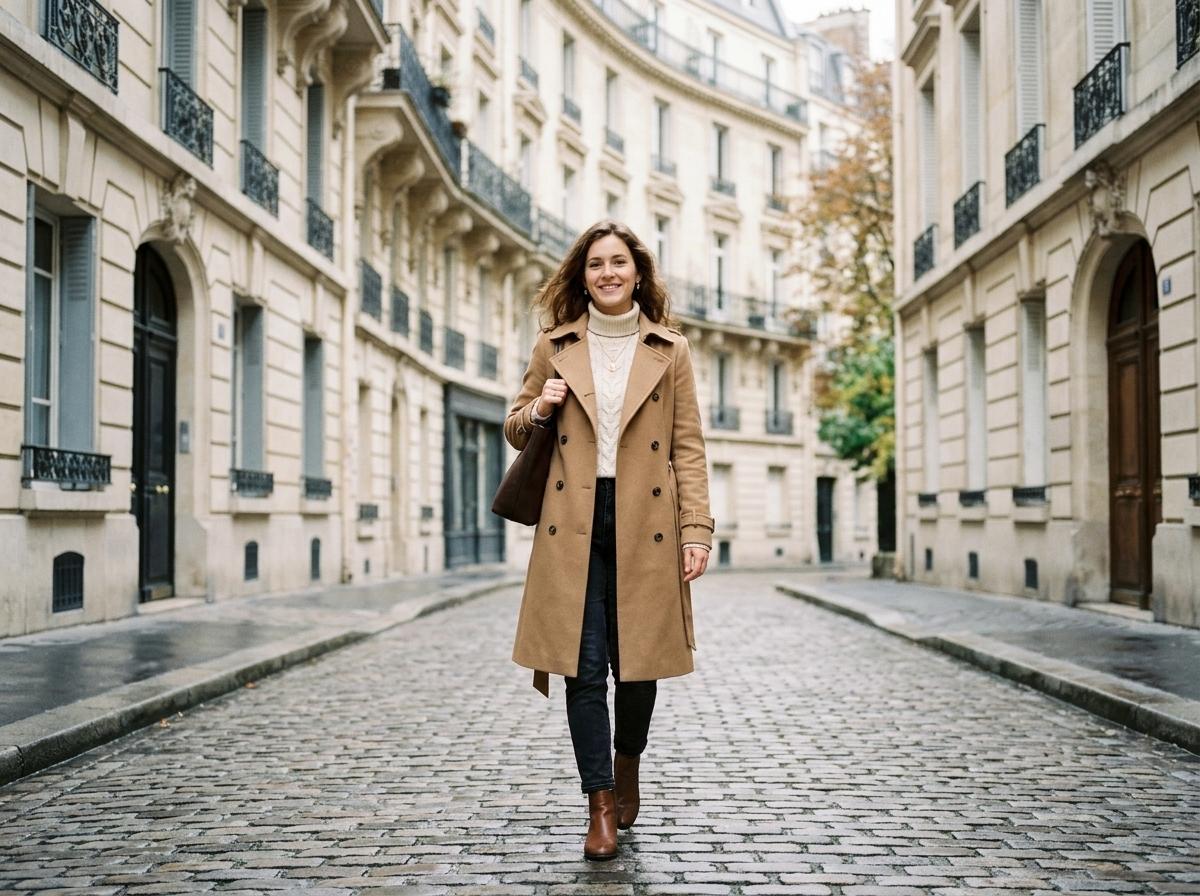
Changing overcast daylight into warm twilight is where traditional filter apps fall flat—they only shift color temperature instead of adding directional rim light. In our AI Image Editor with Prompt, a single sentence adds natural golden-hour backlighting and evening bokeh while keeping facial structure and wardrobe consistent.
Test 3: Expanding tight crops for 16:9 video & 9:16 social
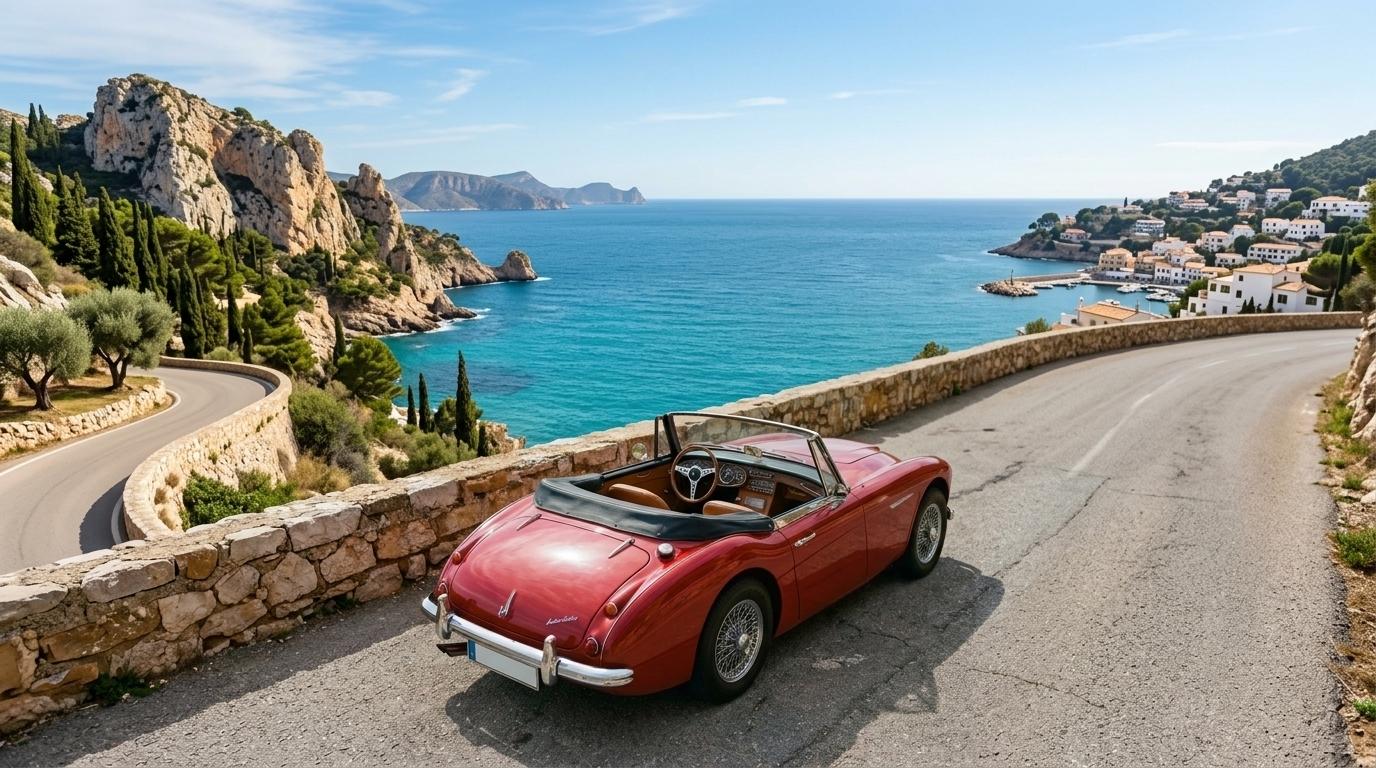
When you need to turn a square 1:1 shot into a widescreen YouTube thumbnail or an AI video start frame, cropping destroys half the scene. Using an AI Image Expander extends the coastline, road, and lighting seamlessly so your subject stays centered—and gives video models like Seedance 2.5 or Kling 4.0 room to pan smoothly.

Which AI image editor should you choose?
- Pick Adobe Photoshop if you already live in Creative Cloud and need manual layer masks, CMYK print workflows, and pixel-level retouching.
- Pick Canva Magic Studio if your main job is assembling multi-slide presentations, pitch decks, and social templates with teammates.
- Pick our browser Image Studio if you want fast prompt-based edits, aspect-ratio expansion, native transparent PNGs via Qwen Image 2.1, pay-as-you-go pricing from $12.99 without subscriptions, and a one-click jump into AI video generation.
Try the editors tested in this guide
No subscription required. One credit balance covers image editing, expansion, and video generation.
Frequently asked questions
What is the best AI image editor for prompt-based photo edits without a subscription?
If you do not want a recurring $15–$23/month bill, credit-pack tools running Qwen Image 2.1 and Seedream 5.5 let you pay from $12.99 once, export without watermarks, and only spend credits when you actually edit.
Why do conversational AI editors sometimes change faces or product labels?
Many chat-first image models re-synthesize the entire canvas from scratch rather than preserving locked regions. Models tuned specifically for instruction editing—like Qwen Image 2.1—reduce drift on faces, logos, and packaging.
Which AI image editor is best for expanding a photo to 16:9 or 9:16?
Dedicated outpainting workflows such as our AI Image Expander (powered by Seedream 5.5) or Photoshop Generative Expand work best because they keep the original framing intact while extending only the surrounding background.
Do free AI image editors add watermarks?
Several popular browser editors stamp visible watermarks or restrict resolution on free tiers. Always verify the downloaded file at 100% zoom before publishing product listings or client campaigns.
Compare all models on the same photo with our image to video AI.