AI Character Swap in Video
Replace a person in your video with a photo. Upload your own 4–15s clip and 1 or 2 photos for full-body AI character replacement—keeping the original motion, camera angles, and soundtrack.
1Upload your video
MP4 · MOV · WebM (4–15s)2Upload your character photo(s)
1 or 2 subjectsUpload your video on the left to unlock character photo slots
Drop in a clear photo of a person, pet, mascot, or fictional character. The AI preserves your video’s exact motion, camera angle, and original soundtrack while swapping in the subject from your photo.
Keeps your uploaded video’s original audio automatically. No watermark.
- Upload your own MP4, MOV, or WebM
- Swap 1 or 2 characters from your photos
- 4–15 second custom trim
- 720p HD · No watermark
- Original video audio preserved
See how AI video character swap combines your clip and photo
The source clip drives every body movement, camera pan, and audio beat; your reference photo supplies the new performer’s face, outfit, and style.
Original dance footage + 1 portrait photo → Recast dance video
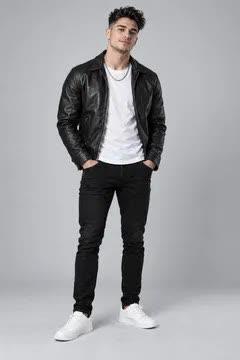
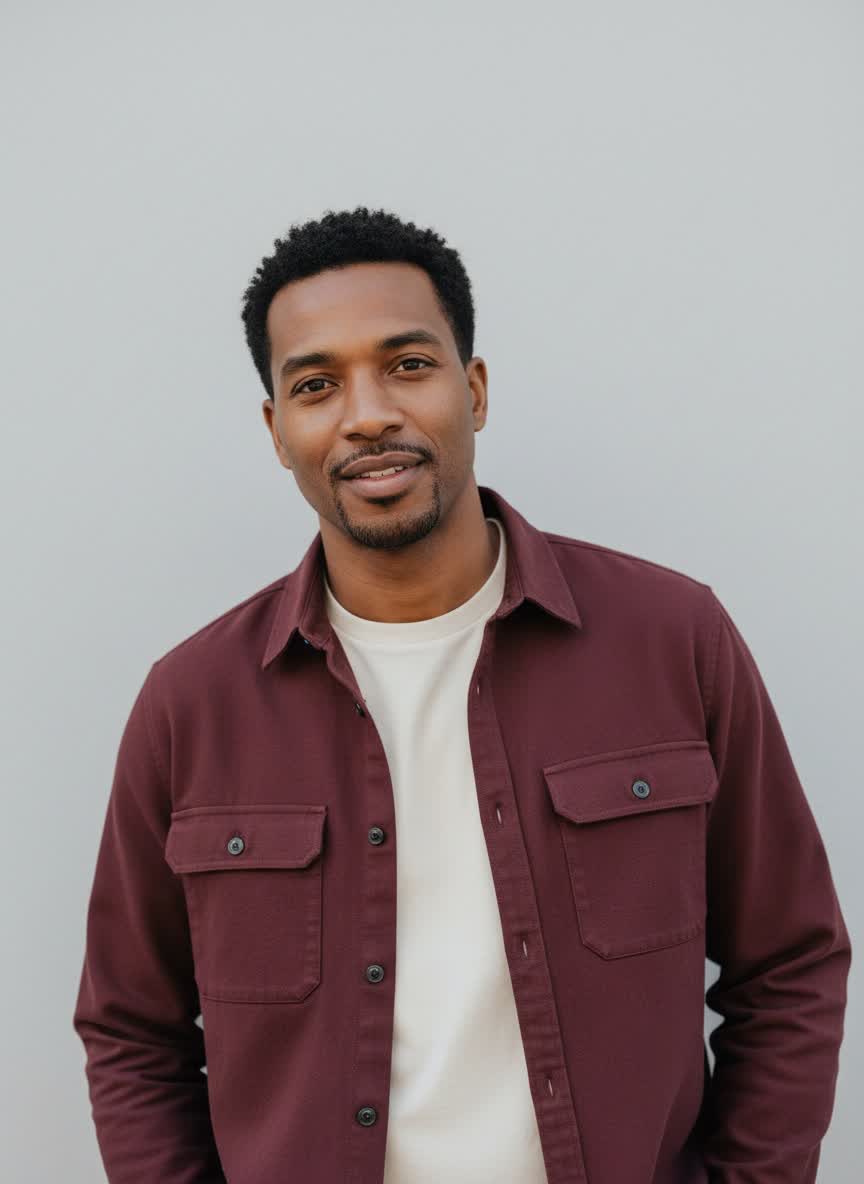
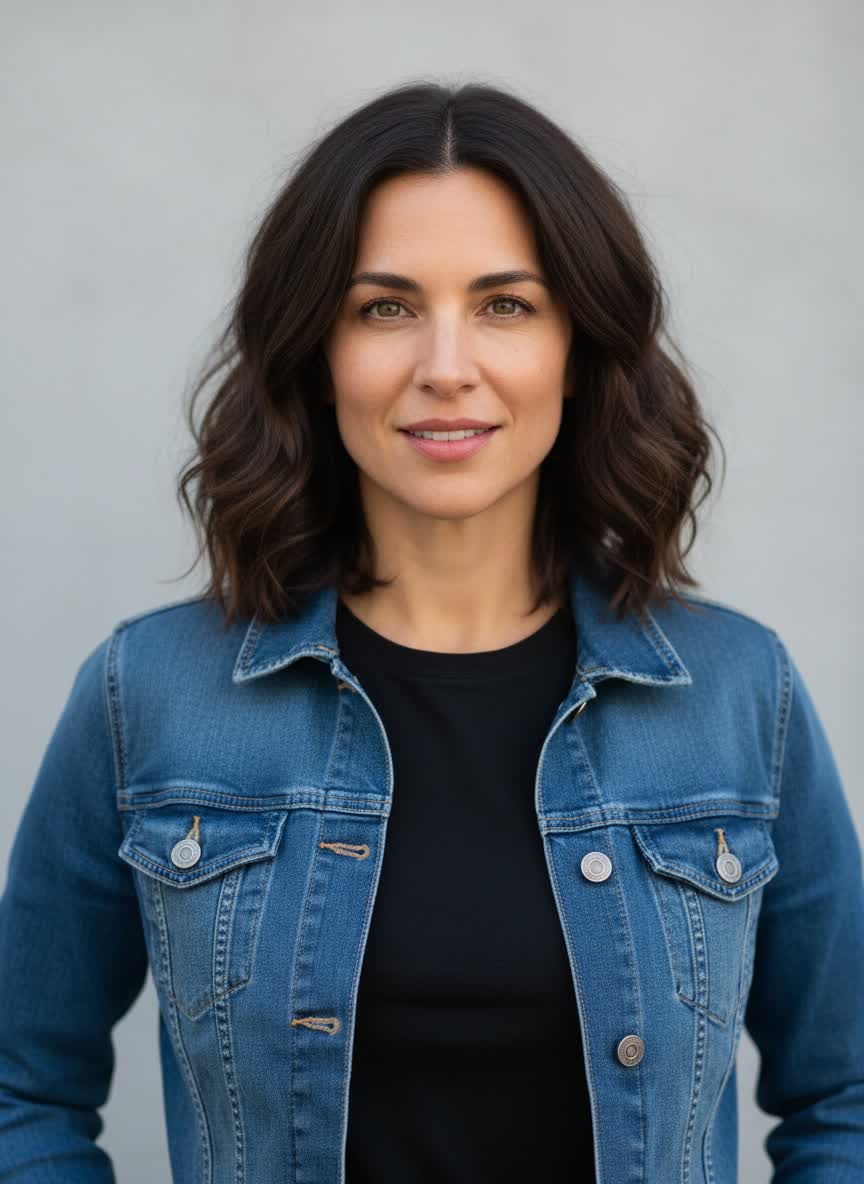
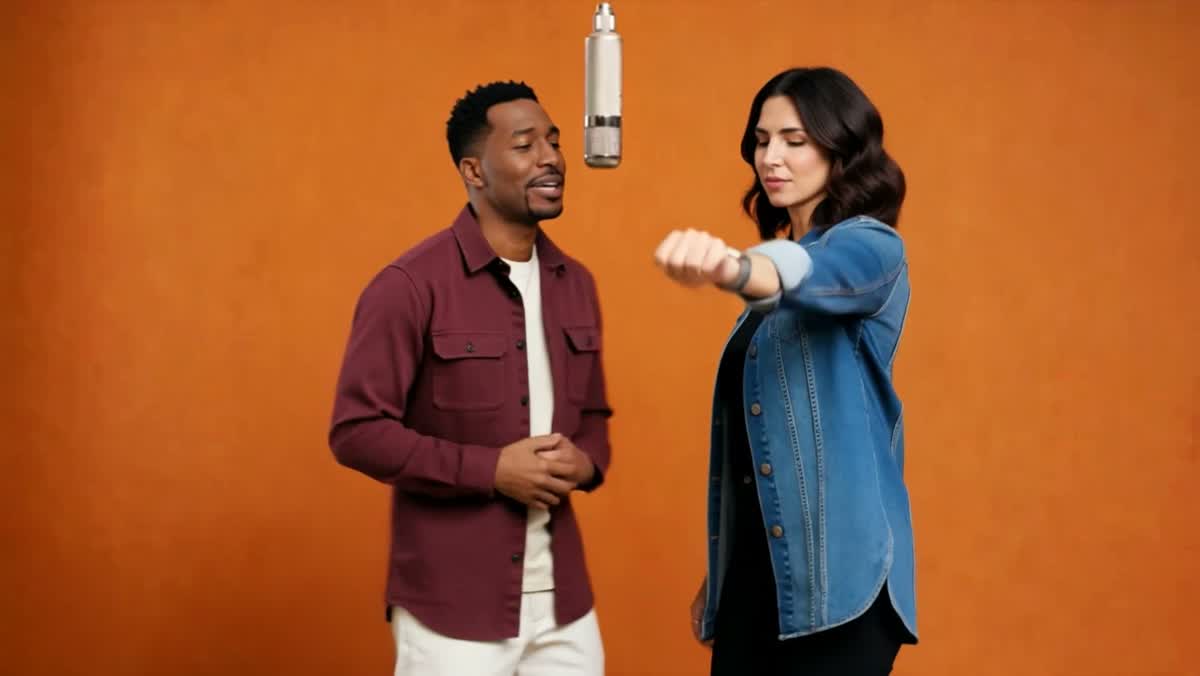
Swap two performers in one clip (Left photo + Right photo)
Need to recast a duet, two-host podcast clip, or partner dance? Switch the studio above to Two people, upload your clip, and drop one portrait for the left performer and one for the right performer.
Built for your own footage—not locked to preset templates
Bring any real clip you filmed or edited and combine it with any character photo to create custom videos on demand.
 Dance & Choreography
Recast your own dance or performance clip
Film a 6–15 second routine on your phone, upload a character portrait, mascot, or alternate outfit photo, and transfer every move and beat into the new video.
 UGC & Product Ads
Test new talent on proven ad footage
Already have a winning product walkthrough or spokesperson clip? Swap the on-camera presenter using a fresh reference photo without booking a reshoot.
 Cosplay & Mascots
Put fictional characters or pets into real clips
Upload your own live-action footage and replace the actor with an illustrated hero, game avatar, or pet photo—keeping your real camera motion and background lighting.
 Duo & Partner Clips
Swap two performers in the same video
Switch to Two people mode, upload a left and right reference photo, and recast duets, interviews, or comedy skits filmed on your own camera.
How to use AI video character swap in 3 steps
- 01
Upload your own video & trim 4–15 seconds
Drop in any MP4, MOV, or WebM up to 300 MB. Drag the start slider and pick a continuous 4–15 second clip, then preview your trim right in the browser.
- 02
Upload 1 or 2 replacement character photos
Add a sharp photo of the person, pet, or fictional character you want in the clip. For two performers, assign left and right photos matching their opening positions.
- 03
Generate & download MP4 with original audio
Pick 9:16, 1:1, or 16:9 in 720p HD. Every clip is a flat 450 credits—then download your clean, watermark-free MP4 with the original soundtrack restored.
Use only videos and photos you own or have permission to edit. Your trimmed clip and reference photo(s) are sent for video processing only when you click Generate.
Tips for cleaner AI video character swaps
Start with steady, well-lit source footage
Your uploaded video controls the body motion, camera path, and lighting. Clips where the performer stays clearly visible without rapid jump cuts produce the cleanest identity lock.
Use a clean single-subject reference photo
Upload a sharp photo with only the replacement character in frame—clear face, natural lighting, no sunglasses or heavy obstructions. Their outfit in the photo carries over into the clip.
Match left & right roles for two-person swaps
When replacing two people, match Photo 1 (left) and Photo 2 (right) to where both performers appear in the first clear frame of your trimmed segment.
Keep audio clean inside your trim window
Whatever speech, music, or ambience exists inside your selected 4–15 second trim is automatically muxed back onto the finished AI video.
The Generate button always shows the exact credit total before you submit. Compare credit packs and subscriptions
AI Character Swap FAQ
How does AI character swap work with my own video and photo?
Unlike fixed template effects, our AI video character swap lets you bring both inputs: upload any MP4, MOV, or WebM clip (up to 300 MB), trim a 4–15 second segment, and upload 1 or 2 reference photos. The AI follows your video’s motion, framing, and lighting while replacing the performer(s) with the subject from your photo.
Is this a face swap or a full-body AI body swap video tool?
It is a full-body AI body swap video tool, not just a face overlay. Using AI character replacement, the model swaps the performer’s face, hair, body, and outfit with the subject in your photo while preserving the original choreography, camera movement, and background lighting.
Can I replace two people in my uploaded video?
Yes. Switch the selector to Two people and upload a separate photo for the left and right performers as they appear in the first clear shot showing both. Each identity stays locked to its role throughout the clip.
Does the generated video keep my original audio?
Yes. Whenever your uploaded video has an audio track—dialogue, singing, music, or room sound—the audio from your trimmed segment is automatically added back to the generated MP4.
Can I use an illustrated character, mascot, or pet photo?
Yes. You can replace a person in your video with a real person, a fictional or anime character, a brand mascot, or a pet. The model adapts the gestures and choreography from your source video to the replacement subject.
What video formats, lengths, and resolutions are supported?
Upload MP4, MOV, or WebM files up to 300 MB. You can trim any continuous 4 to 15 second segment and export in 9:16 vertical, 1:1 square, or 16:9 widescreen in 720p HD.
How many credits does an AI character swap cost?
Every 720p AI character swap is a flat 450 credits regardless of clip length (4–15 seconds). The exact total is always shown on the Generate button before you submit, and failed runs refund automatically.
How is this different from Hotel Lobby AI or Tiny Desk AI?
Hotel Lobby AI and Tiny Desk AI swap your photos into fixed, pre-built viral stage performances. AI Character Swap gives you complete freedom to upload your own source video—any dance, skit, vlog, or commercial clip—along with your own character photo(s).
Explore more video & image tools
Hotel Lobby AI
Put two photos into the orange-studio duet performance.
Tiny Desk AI
Recast a full five-member live band from photos.
AI Dance Generator
Turn a single still photo into a full dance clip.
AI Image Editor
Restyle or relight your character photo before swapping.
Ready to animate your finished image? Open our AI photo to video generator.