AI Image to Video Generator
Turn your image into a video with Seedance, Kling, Veo, or Wan. Describe the motion and make the scene your own.
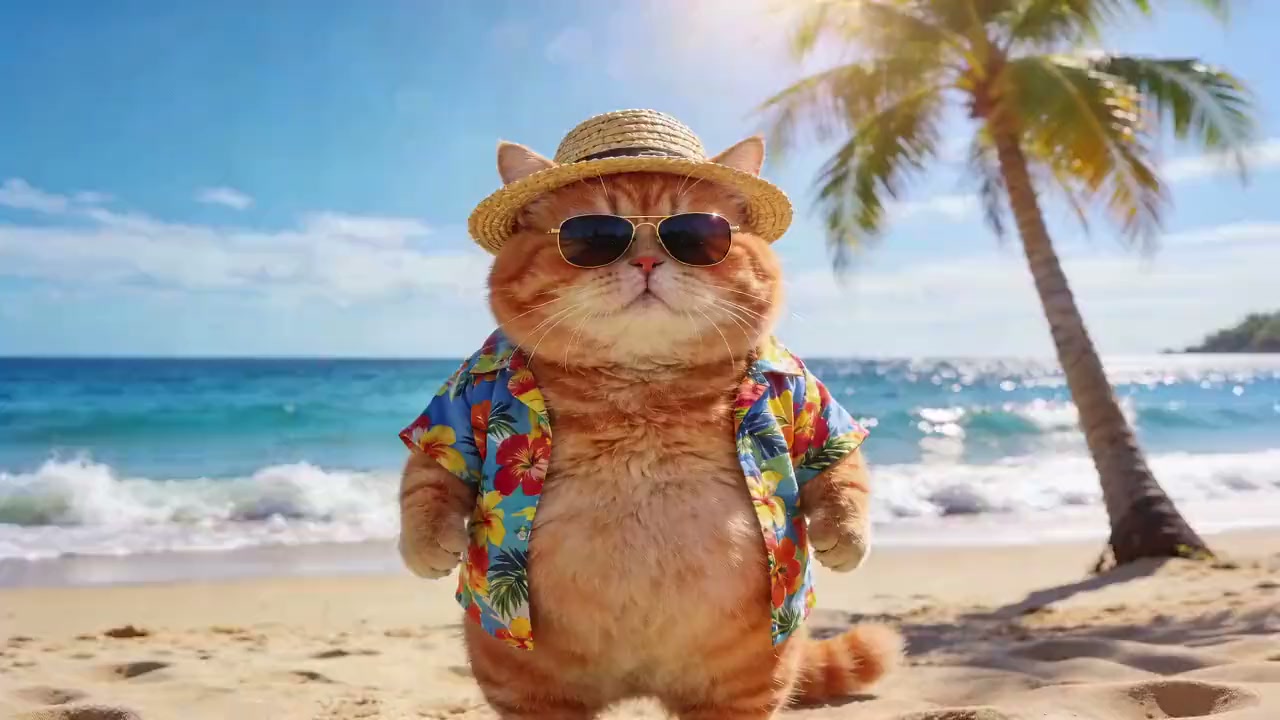
AI Image to Video Generator Online
Animate still images with intelligent motion and scene-aware effects powered by next-generation AI models. Upload a product shot, portrait, or concept art, then describe the movement you envision. Every video downloads without a watermark, while resolution and aspect-ratio options depend on the selected model.
Prompt
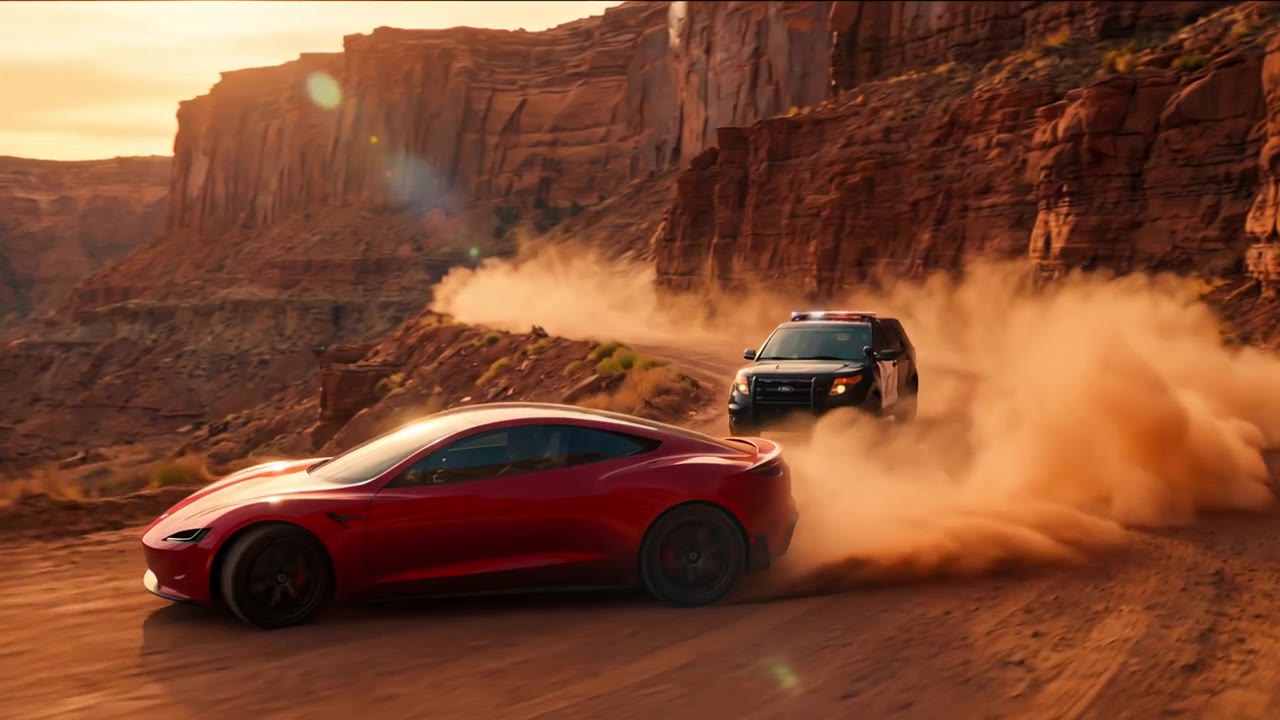
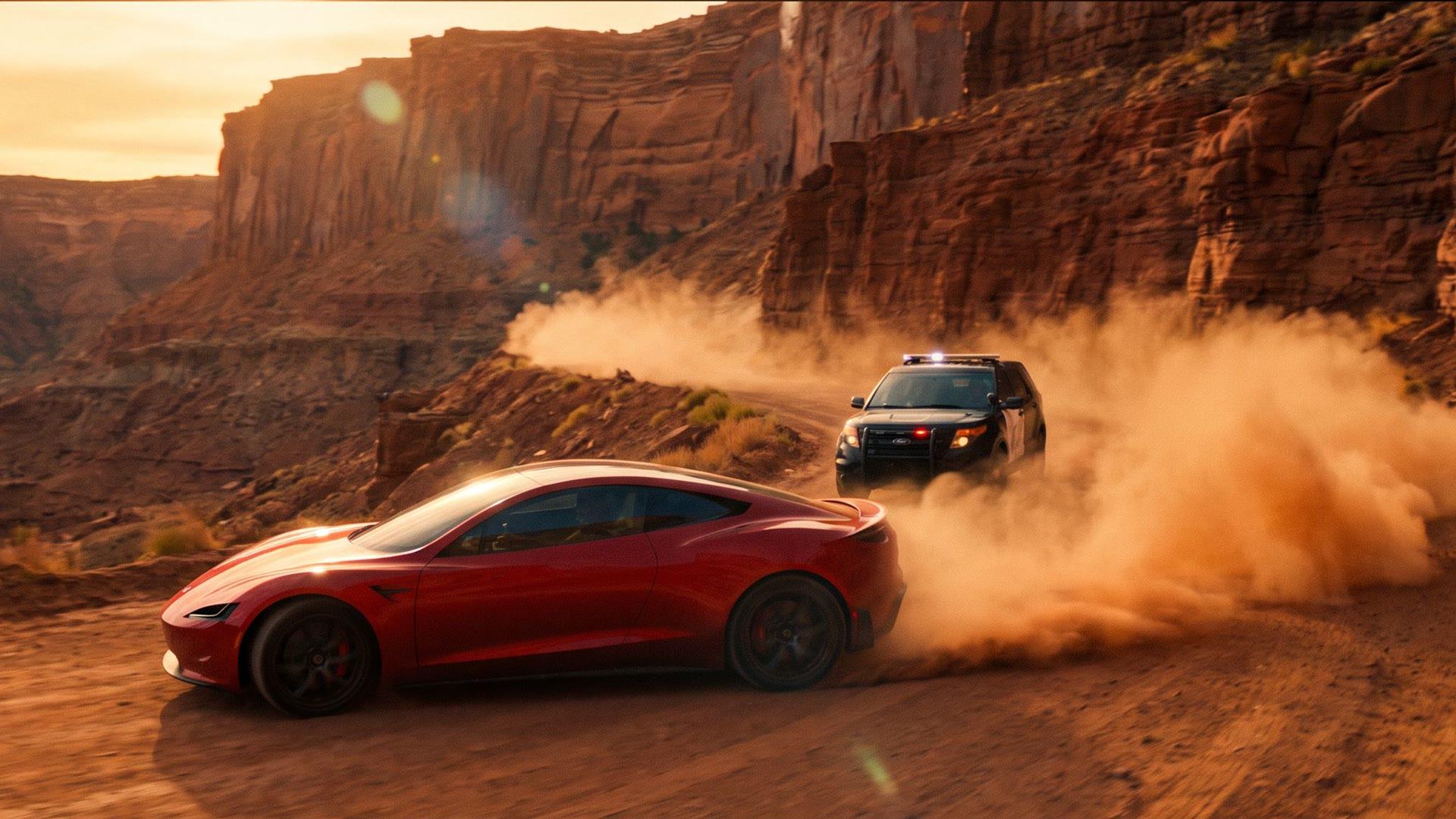
High-speed chase: the red supercar powers out of the drift toward the camera as the pursuit SUV fishtails behind it in a wall of dust, then a rising drone shot follows both cars down the canyon road. Engine roar and tire squeal.
Bring Your Images to Life with AI
Create stunning animations with our AI image to video generator. Transform static images into motion using artificial intelligence. Whether you use Veo, Kling, Seedance, or Wan, our tool helps you make video from images for social media, marketing, and storytelling.
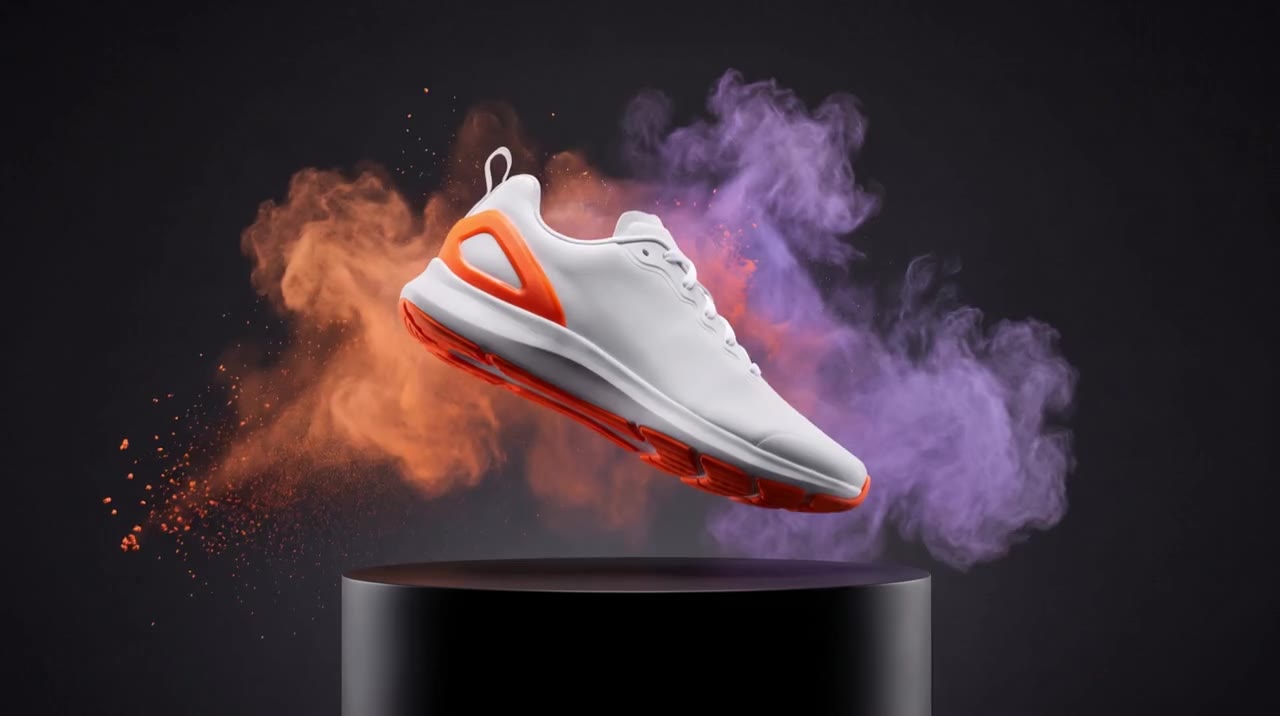
Image to Video for Marketing & Advertising
Create compelling promotional content by turning product images into dynamic ad creatives with our AI image to video generator. Simply upload your product photo, add a text prompt, and let AI generate a polished video. Start with your own photo and describe the motion you want.
Generate Video from Images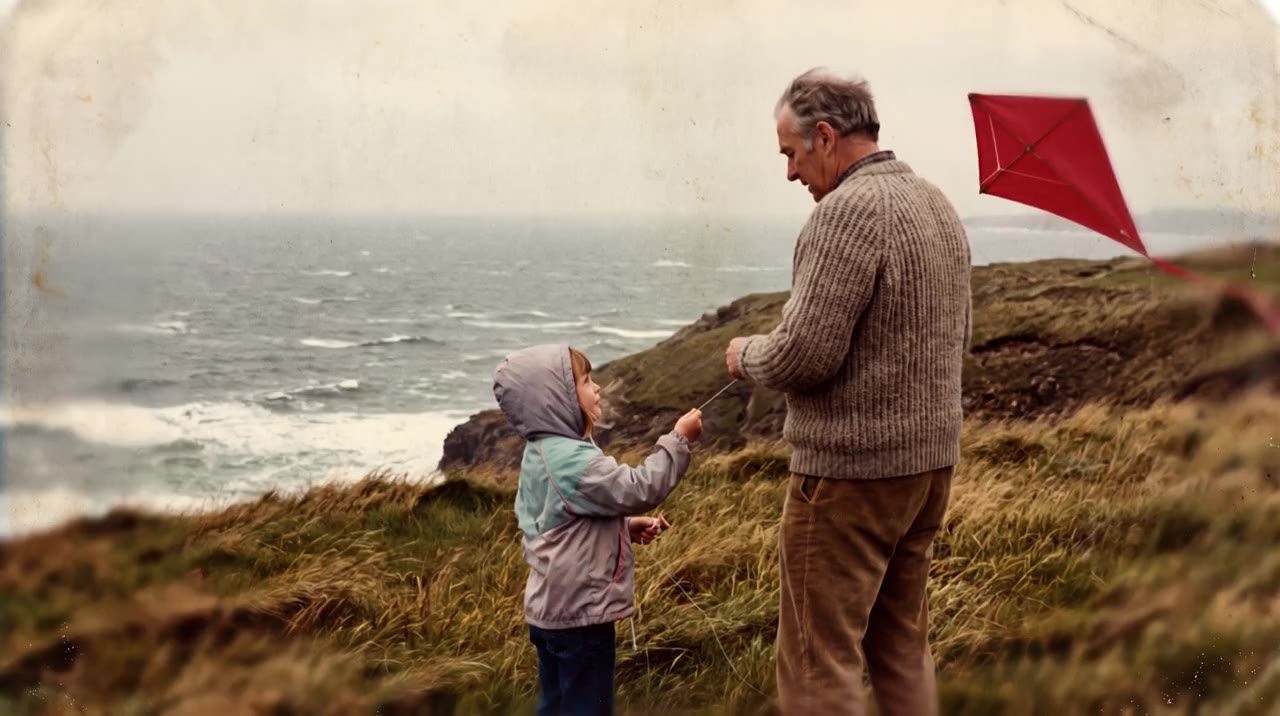
Bring Still Images to Life with Motion
Transform static images into vivid videos with our AI image to video generator. Perfect for product showcases, our AI lets you turn any still photo into a smooth video animation. Whether you need a gentle zoom on a product shot or a full cinematic sequence, our photo animation AI delivers professional results. Upload any image and watch it come to life with natural motion, camera movement, and atmospheric effects. Make video memories from any photo in seconds.
Working with a family picture? See how to animate an old photo.
Generate Video from Images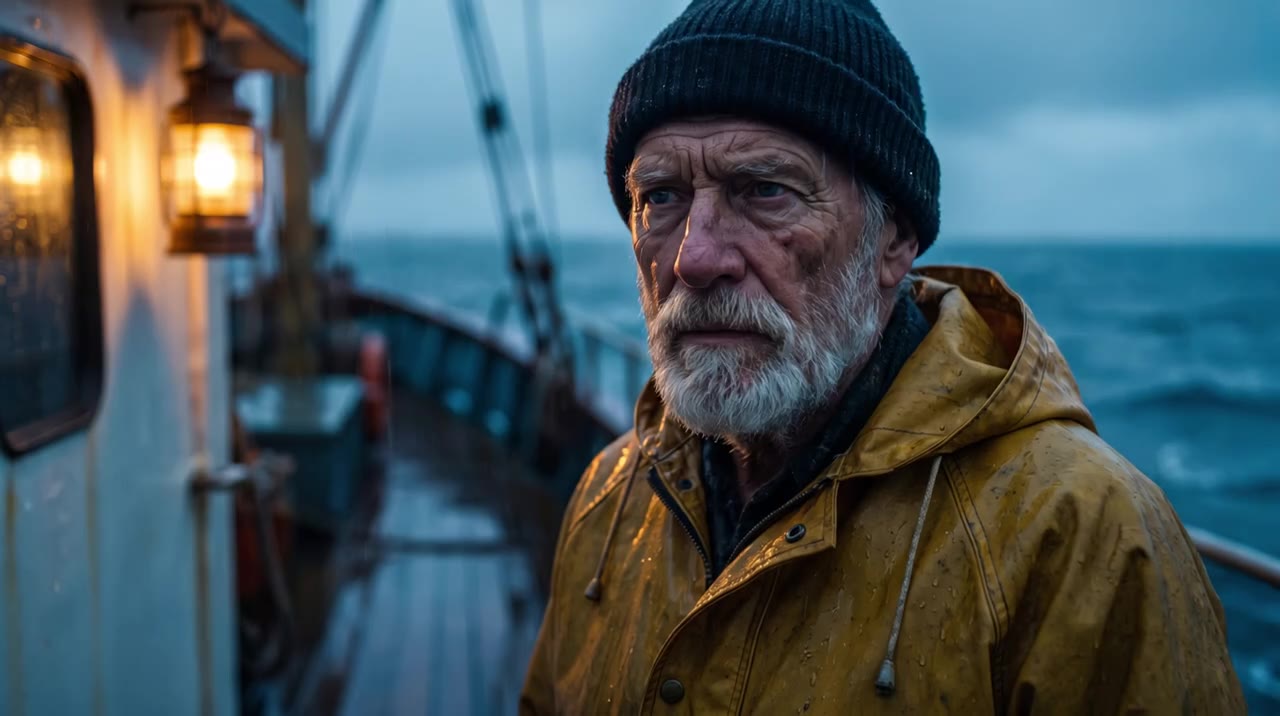
Create Stunning AI Videos from Portraits
Turn any portrait photo into a dynamic video with our AI video generator from images. Our image to video AI analyzes facial features and adds lifelike motion — subtle head turns, eye blinks, and natural expressions. Powered by advanced models like Veo, Kling, and Seedance, this image to video converter creates cinematic portrait animations that rival professional video production. Simply upload a photo and start creating.
To animate a portrait with the model used in this example, try Kling 4.0.
Generate Video from Images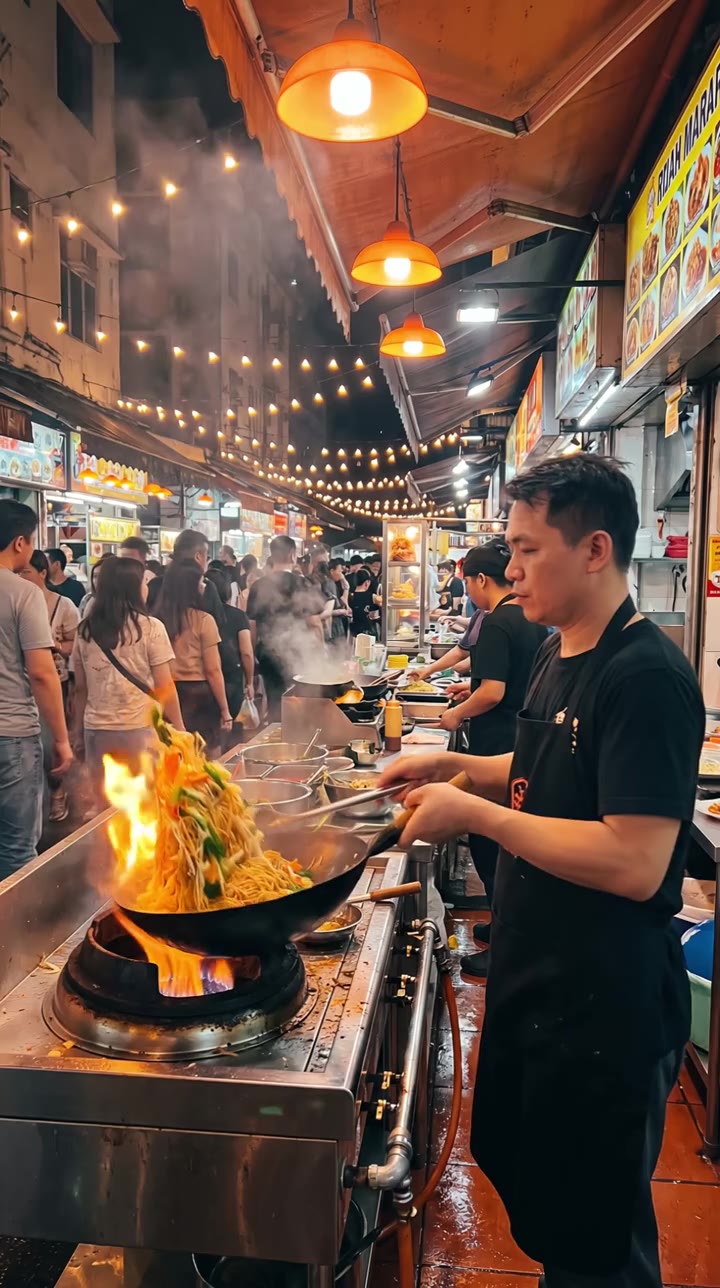
AI Video Generator for Social Media Content
Generate content for TikTok, Instagram Reels, and YouTube Shorts by turning static images into engaging short videos. No editing skills are needed — upload an image, describe the motion, and create a clip for your next post.
Generate Video from Images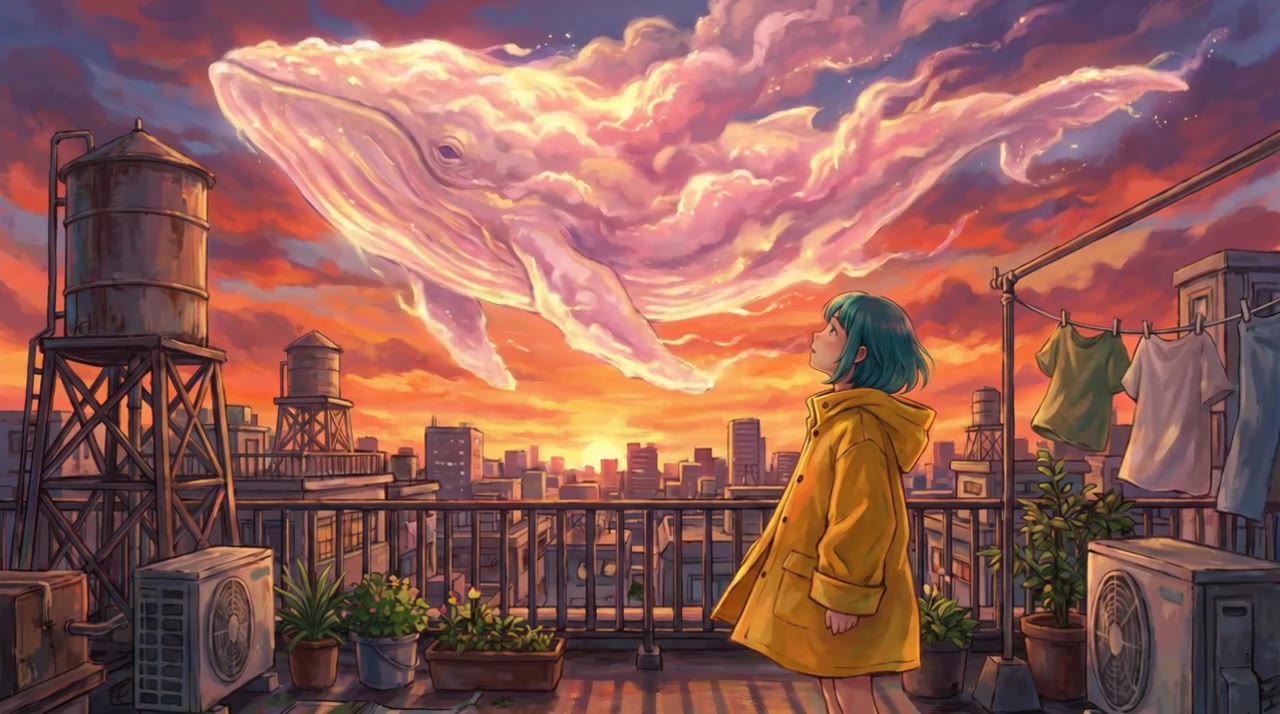
AI Image to Video for Anime & Art
Seedance 2.5 animated this illustration. The prompt describes how the cloud whale glides overhead, how the wind moves the raincoat and laundry, and how the camera follows the whale.
See the settings and sample prompts in the Seedance 2.5 video generator.
Generate Video from ImagesHow to Create Video from Images Using AI
Our AI image to video generator makes it easy to convert any picture into a stunning video. Follow three simple steps to create professional-quality AI videos — no editing skills required.
Upload Your Image
Upload any image (JPG, PNG, WebP) to our image to video AI tool. Crop or frame your image to match the desired aspect ratio. Our AI video generator from images supports portraits, landscapes, and more — just add image files to start creating.
Describe Your Vision
Type a prompt to guide the AI. Choose your preferred model — Veo, Kling, Seedance, or Wan — and adjust the available duration and resolution options to match your creative vision.
Generate & Download
Click Generate and let the AI render your video. Preview the motion and effects before exporting. Download as HD MP4 and share on social media, YouTube, or use in marketing campaigns. Turn image into video in minutes with our AI image to video generator.
Key Features of Image to Video AI Generator
From social media to education, discover how creators and businesses use our AI video generator to bring images to life. No editing skills needed.
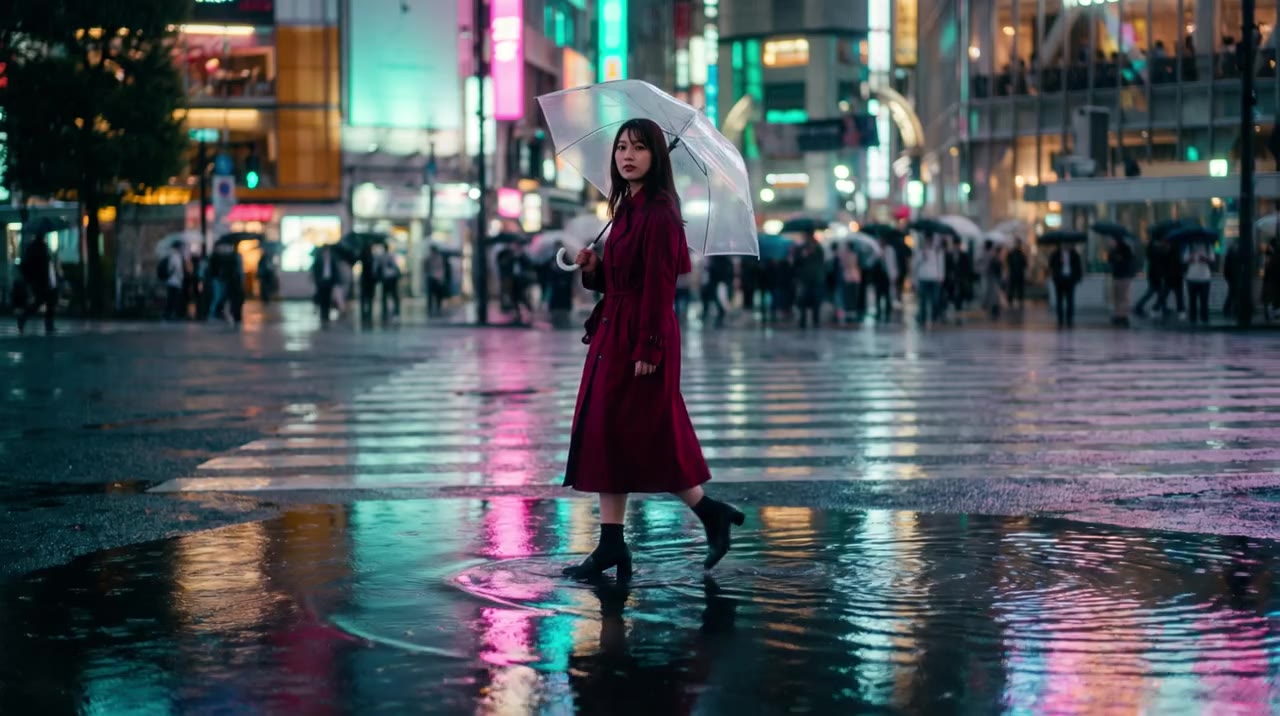
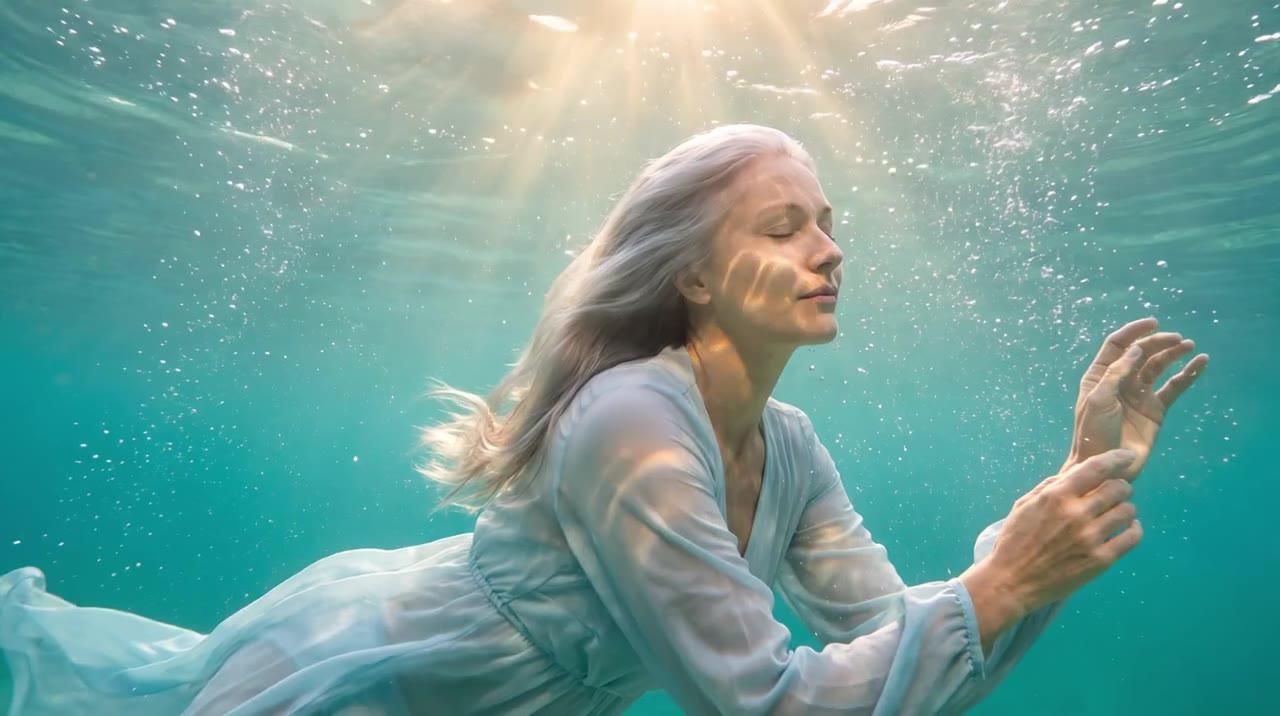
Multi-Model AI Video Generation
Choose from industry-leading AI models including Veo, Kling, MiniMax, Hailuo, Seedance, and Wan. Each model offers unique motion styles and quality characteristics — from cinematic camera movements to realistic character animation. Whether you need image to video conversion for social media or professional-grade output for commercial use, our AI video generator gives you the flexibility to match any creative vision.
AI Video Pricing, Plans & Credit Packs
Starter
$9.99/month
600
Monthly credits
- Up to 15 videos/month
- Access to all AI video models
- Cancel subscriptions anytime
- Secure checkout
Plus
$19.99/month
1400
Monthly credits
- Up to 35 videos/month
- Access to all AI video models
- Cancel subscriptions anytime
- Secure checkout
Pro
$29.99/month
2500
Monthly credits
- Up to 62 videos/month
- Access to all AI video models
- Cancel subscriptions anytime
- Secure checkout
Studio
$59.99/month
6000
Monthly credits
- Up to 150 videos/month
- Access to all AI video models
- Cancel subscriptions anytime
- Secure checkout
$99.99/month
10000
Monthly credits
- Up to 250 videos/month
- Access to all AI video models
- Cancel subscriptions anytime
- Secure checkout
What Our Users Say About AI Image to Video
Join thousands of creators and businesses using our AI image to video generator to bring their images to life.
Best Image to Video AI for Beginners: Easy, Fast, and Intuitive

Sarah Mitchell
Content Creator
I'm not tech-savvy, but this tool made it effortless. I uploaded a photo, added a simple prompt, and the AI generated a stunning video in seconds. It's the best AI image to video generator I've tried — no editing skills required.
AI Video Generator from Images: Boost Product Sales in Minutes

James Chen
E-commerce Owner
Product demo videos used to cost me $200+ each. Now I use this image to video AI generator to turn product photos into professional promo clips. The results look like they were made by a full production team. A must-have for any online store looking to animate their product photos.
Turn Photos into Viral Social Media Clips with AI

Emily Rodriguez
YouTuber
This AI video generator from images creates the smoothest animations I've seen. My engagement doubled since I started turning static photos into short videos. It's the easiest way to create short-form video content from photos for Instagram Reels and TikTok.
Image to Video Converter That Transforms Marketing Campaigns

Michael Park
Marketing Manager
We create 20+ video ads per week now using this AI image to video generator. The multi-model support means we can pick Veo, Kling, Seedance, or Wan for each campaign. A game-changing tool for any marketing team looking to create video ads from photos at scale.
AI Picture to Video Tool Every Creative Professional Needs

Lisa Thompson
Graphic Designer
I use this to turn my designs into animated videos. The AI handles the heavy lifting — just upload an image and describe what you want. It feels like having a professional AI video maker at my fingertips. The best tool to make video from images.
Turn Property Photos into Cinematic Virtual Tours with AI

David Kim
Real Estate Agent
I used to spend hours editing property videos. Now I just upload listing photos, and this image to video AI creates elegant walk-through clips. Clients love the cinematic feel. The best photo animation tool for real estate content.
FAQ About AI Image to Video
Everything you need to know about our AI image to video generator
What is an AI image to video generator and how does it work?
An AI image to video generator uses advanced generative AI models to transform static images into dynamic video content. Unlike simple slideshows, our tool applies AI-driven motion, transitions, depth effects, and cinematic animations to create natural video sequences. Upload any image and let the AI generate smooth, realistic video — no editing skills required.
What is the best image to video AI generator?
The best image to video AI generator combines multiple industry-leading models with an easy-to-use interface. Our platform integrates Veo, Kling, MiniMax, Hailuo, Seedance, and Wan — some of the most advanced AI video models available — with new models added regularly. This ensures you always have access to cutting-edge technology for turning images into professional-quality videos quickly and easily.
How to generate an AI video from an image?
The process is simple: 1) Upload your image (JPG, PNG, or WebP). 2) Write a prompt describing the motion, style, or action you want. 3) Sign in, click Generate, and wait for the AI to finish. No complicated editing steps — just upload, describe, and generate.
Can AI turn a single photo into a video?
Yes. Our AI can generate smooth motion and depth from a single still image. It creates camera movement, perspective shifts, and natural animations to make the scene feel dynamic — no need for multiple frames or extra assets. Whether it's a portrait, landscape, or product photo, our AI photo animation tool turns any picture into a lifelike video.
How long does it take to generate a video with AI?
Most videos are generated within 30 to 120 seconds, depending on the duration, resolution, and AI model you select. Our optimized pipeline ensures fast processing so you can create, review, and iterate on your content in real time without long waiting periods.
Can I edit the video after AI generates it?
Yes. After the AI generates your video, you can regenerate with a different prompt, try another AI model for a different style, or adjust settings like duration and resolution. This lets you fine-tune your results until the video matches your creative vision perfectly.
Can I use AI-generated videos for commercial projects?
Yes. Paid videos generated on our platform can be used for commercial projects — including social media posts, advertisements, product listings, marketing campaigns, and client work — subject to our Terms of Service and the selected AI model provider's policies. You must own or have rights to any input images, audio, or video you upload.
Will my uploads and generated videos be private?
Yes, your projects are private and secure. Your uploaded images and generated videos are stored in your account and are not shared publicly or used to train AI models. You have full control over your content at all times.
What video resolutions does the AI image to video tool support?
Our AI video generator supports multiple resolution options from 480p and 720p up to 1080p — and up to 2K on supported models such as MiniMax H3. The output format is MP4, compatible with all major platforms and devices. You can preview before downloading and choose the quality that matches your needs — from social media posts to professional presentations.
What AI models are available for image to video generation?
Our platform supports multiple leading AI video models including Veo for cinematic quality, Kling for smooth animations, MiniMax for low-cost clips with sound, Hailuo for fast generation, Seedance for expressive motion, and Wan for open-source performance. Each model offers unique strengths in motion quality, style, and rendering speed — choose the one that best fits your project.
About Our AI Image to Video Generator
AI image to video has changed the way creators and businesses produce video content. Traditionally, turning a photo into a video required complex animation software, keyframe editing, and hours of manual work. Today, image to video AI models can analyze a static image and synthesize realistic motion — adding camera movement, subject animation, environmental effects, and more. Our platform makes this technology easy to use and requires no technical expertise. It supports multiple top models including Veo, Kling, MiniMax, Hailuo, Seedance, and Wan, each excelling at different motion styles. Upload an image, describe the desired motion, choose an available model and resolution, then generate your video in the cloud.
What can I do with AI-generated videos?
The applications are vast and growing. Social media creators turn static posts into short-form video, e-commerce brands animate product images, educators animate diagrams, and artists experiment with AI-driven motion. Commercial usage is available on eligible plans and remains subject to our Terms and the selected model provider's policies. Bring your own image and explore the motion you can create.
How credits work
Monthly and annual plans provide a monthly allowance. Subscription credits expire at each monthly renewal date, with no rollover or backfill for past months, and are used first. Credit Pack credits never expire and remain usable after cancellation.