Dzine AI Video Generator — Multi-Model Alternative
Upload an image, describe the motion you want, and choose from several AI video models. Starter credits are included after signup, and each generation shows its credit cost before you begin.
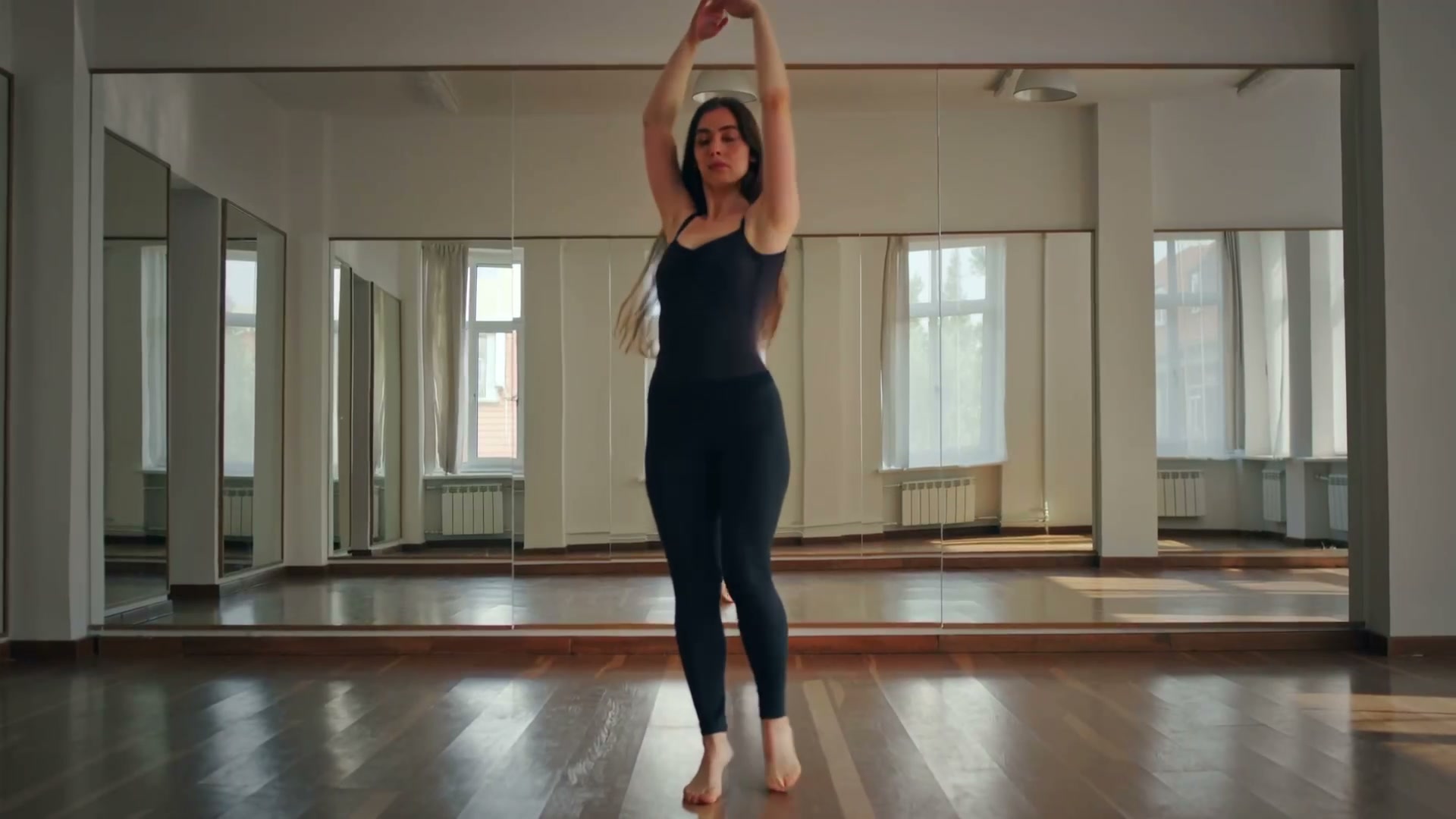
Upload your photo and click Generate to create your own
Who Should Use This Dzine AI Alternative
If you've ever hit a credit wall mid-project on Dzine, these use cases will feel familiar.
Social Media Managers
You need dozens of videos per week across different platforms. Dzine's credit system can't keep up. Our volume-friendly plans let you produce TikTok, Reels, and Shorts content without watching a credit counter.
E-commerce Store Owners
Create product rotations, lifestyle clips, and showcase videos from existing product photos without arranging a new shoot for every variation.
Freelance Designers
Clients expect quick turnaround on video content. Upload their assets, add motion and effects, and deliver professional results in minutes instead of hours.
Marketing Teams
A/B test different video styles for ad campaigns without production costs. Generate multiple variations from one image and optimize performance across channels.
Content Creators
Build a consistent posting schedule with AI-generated video content. Turn one photo into multiple clip variations for different platforms and audiences.
Educators & Trainers
Create visual explanations from text descriptions. Animate diagrams, illustrate concepts, and produce training materials that hold attention better than static slides.
Three Steps to Your First Video
Drop your image or type a prompt
Upload a product photo, portrait, landscape — or describe your scene in text. We handle JPG, PNG, WebP, and any text prompt you can write.
Pick a model and adjust settings
Choose from Veo (fast), Kling (sharp), Runway (cinematic), or Hailuo (stylized). Set duration and resolution to match your output needs.
Download and publish
Your video renders as an MP4 file. Paid plans provide clean exports for social channels and eligible commercial workflows.
Ready-to-Use Prompts
Paste these into the generator and tweak to match your brand.
Product slowly rotating 360° on a clean white surface, soft directional shadows, commercial photography aestheticTime-lapse of a flower blooming, macro lens perspective, warm afternoon sunlight filtering through petalsUrban street scene at blue hour, neon reflections on wet asphalt, cinematic slow-motion pedestrians with umbrellasFlat lay workspace with items arranging themselves, minimalist design, smooth motion transitions, pastel paletteAerial drone following a car through mountain roads, golden hour side lighting, volumetric fog in valleysChef plating a dish in slow motion, steam rising, warm kitchen lighting, shallow depth of field on ingredientsDzine AI Alternative — FAQ
Why do creators look for a Dzine AI alternative?
Dzine AI (dzine.ai) is a versatile design tool that includes image-to-video and text-to-video features. However, many creators run into credit limits after just a few generations, face resolution caps on the free tier, and find the single AI model too restrictive for varied content needs.
Can I generate unlimited videos like on Dzine?
Our plans are designed around volume. While no platform offers truly "unlimited" generation at zero cost, we provide significantly more generous limits than Dzine. Free users can generate short clips without daily credit caps, and paid plans scale with your actual production needs.
Can I guide the video with text like Dzine?
Yes. For models that support text-to-video, describe the scene and choose from the available provider models. Supported inputs and settings are shown in the generator rather than assumed for every model.
Can I create storyboards and sequential clips?
You can create several prompt-guided clips from related source images and assemble them in your editor. The current product generates one clip at a time; it does not automatically build multi-scene storyboards.
How does the video quality compare to Dzine?
We support up to 1080p output. Most users report that our multi-model approach produces higher quality results than Dzine's single engine, because you can pick the model that best suits each specific type of content.
Can I use videos commercially?
Paid plans include full commercial usage rights for ads, social campaigns, branded content, and client deliverables.
Stop Hitting Credit Walls
Generate AI videos without Dzine's restrictions. Try it free — upload an image or type a prompt above.