insMind Alternative — Dedicated AI Video Generator
insMind is a solid all-in-one design platform, but its video generation is just one feature among many. We built a platform that does one thing — AI video — with 4 specialized models and the quality that comes from focus.
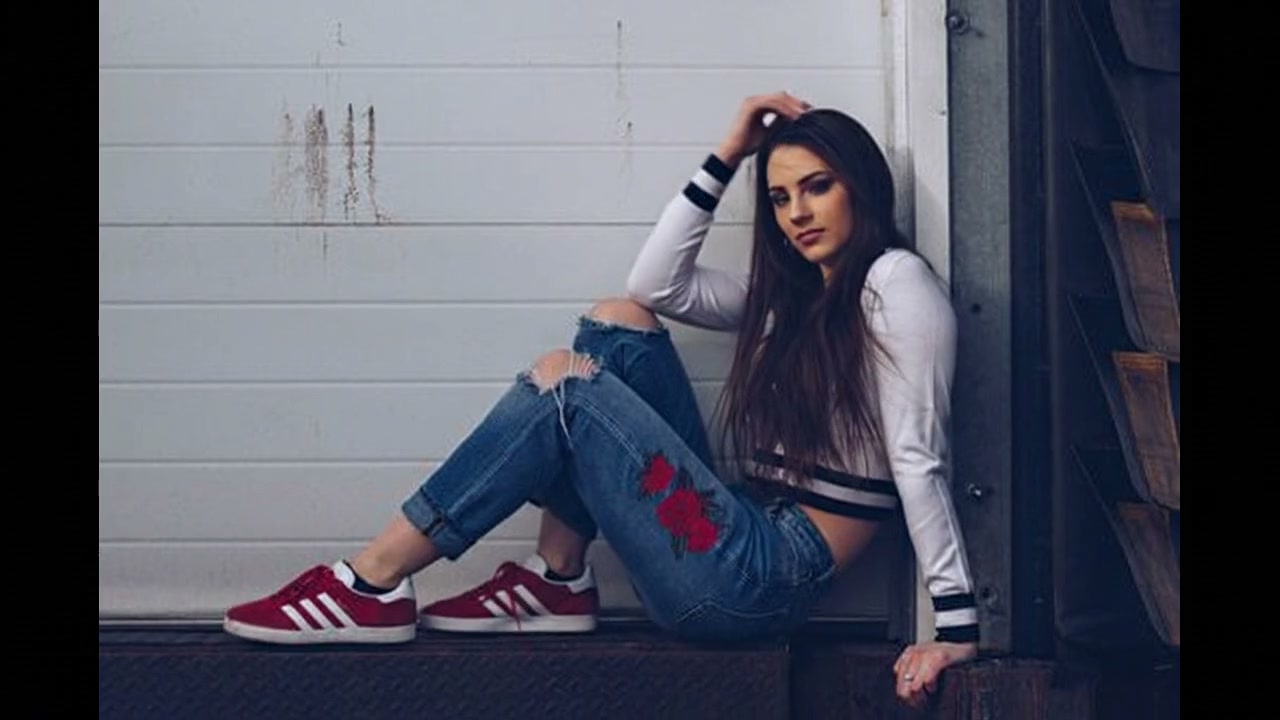
Upload your photo and click Generate to create your own
Best For
Different creators use AI video for different purposes. Here's how our platform fits various workflows.
Content Creators
- •Animate thumbnails for YouTube
- •Create TikTok clips from still photos
- •Produce Reels content at scale
- •Generate channel intros and outros
Business & Marketing
- •Animate company logos for video ads
- •Create product showcase clips
- •Produce testimonial video backgrounds
- •Build brand awareness content
Designers & Artists
- •Bring illustrations to life
- •Add motion to graphic design work
- •Create portfolio video backgrounds
- •Experiment with AI art animation
E-commerce
- •Product 360° rotations
- •Lifestyle clip generation from photos
- •Seasonal campaign video content
- •Variant testing with different styles
Tips for Better AI Video Results
Whether you're coming from insMind or trying AI video for the first time, these tips apply.
💡 Write specific camera directions
Instead of "make it cinematic," try "slow dolly-in toward subject, shallow depth of field, warm backlight." Specific instructions produce more intentional results.
💡 Use high-quality source images
The better your input, the better the output. Use well-lit, high-resolution images with clear subjects. Blurry or heavily compressed inputs limit what the AI can work with.
💡 Compare models before finalizing
The same prompt produces different results across Veo, Kling, Runway, and Hailuo. Generate once on each model and pick the version that best matches your vision.
💡 Iterate on prompts, not just once
First result rarely perfect. Adjust lighting descriptions, camera angles, or motion intensity and regenerate. Iteration is fast and free on our platform.
AI Model Quick Guide
Veo
Style: Clean, fast output
Best for: Social media posts, quick iterations
Kling
Style: Sharp, realistic motion
Best for: Product videos, portraits, nature
Runway
Style: Cinematic, rich color
Best for: Film-quality clips, brand content
Hailuo
Style: Stylized, artistic
Best for: Anime, creative projects, experimental
Generation Prompts to Try
Copy and adapt these prompts for your projects.
Portrait with subtle breathing animation, natural micro-expressions, soft rim light, shallow bokeh backgroundLogo emerging from particles, clean dark background, smooth reveal animation, corporate motion designProduct hovering with gentle rotation, gradient background, studio reflections, premium unboxing feelStreet photography style, neon-lit urban scene at night, rain, reflections on wet ground, moody atmosphereLandscape with moving clouds and flowing water, golden hour light, wide-angle composition, nature documentaryAnimated flat design illustration, isometric workspace, pastel colors, smooth object transitions, playful styleinsMind Alternative — FAQ
What is insMind and why consider an alternative?
insMind (insmind.com) is an all-in-one AI image and video editing platform. It offers video generation, background removal, image upscaling, and design templates. While versatile, its video generation is one feature among many — meaning the AI models and output quality are not as specialized as a dedicated video generation tool.
How does dedicated video generation compare to insMind?
insMind bundles video generation with photo editing, meaning the video AI models receive less focused development. Our platform is purpose-built for AI video generation: the models are optimized specifically for motion quality, character consistency, and cinematic output rather than being general-purpose tools in a larger suite.
Can I animate logos and brand assets like insMind?
Yes. Upload a logo, icon, or brand image and our AI adds motion — reveals, rotations, particle effects, and transitions. Unlike insMind where logo animation is a secondary feature, we treat motion design as a core capability with multiple model options for different styles.
Does this work for social media content like insMind?
Absolutely. All output is MP4 format, compatible with TikTok, Instagram Reels, YouTube Shorts, Facebook, and Twitter/X. Videos are generated at platform-appropriate aspect ratios and resolutions without the need for post-processing.
What AI models are available vs. insMind?
This platform offers options from Kling, Veo, Seedance, Wan, Runway, Hailuo, and more. Each model exposes its supported durations, resolutions, audio behavior, and credit cost in the selector.
Is there a free tier like insMind?
Yes. Create a free account to receive starter credits. Paid plans provide additional models and clean downloads.
Try a Dedicated Video Generation Tool
Upload an image or write a prompt above. Compare the output quality against insMind — it's free to test.