Magic Hour AI Image to Video Alternative
Compare Magic Hour image to video with a focused workflow: upload a photo, guide motion with a prompt, choose from multiple models, and see the credit cost before generating.
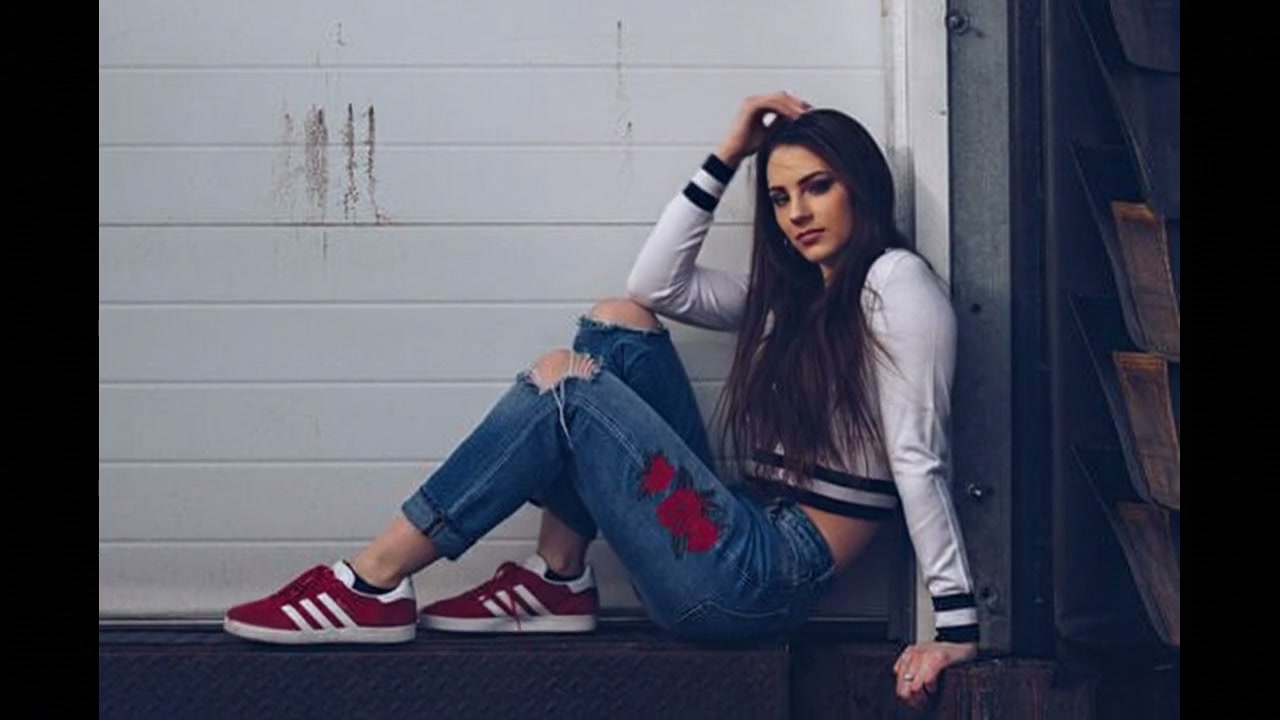
Upload your photo and click Generate to create your own
What Our Platform Offers
Explore prompt-guided image animation, model choices, generated audio on supported models, and clean paid exports.
Image-to-Video Animation
Upload any still photo and watch it come alive with realistic motion. Portraits gain subtle expressions, landscapes get sweeping camera moves, and product shots rotate with studio-quality lighting. Works with JPG, PNG, and WebP.
Prompt-Guided Image Animation
Upload a source image and describe the motion, camera movement, lighting, and atmosphere you want the model to create.
Sound and Lip Sync
Several models generate sound with the clip, and you can write a spoken line in the prompt. With Seedance 2.5 you can also upload your own MP3, AAC or WAV clip (up to 30 seconds) and the face is lip-synced to it.
Style from Your Image and Prompt
The look of the clip comes from your image, and the prompt can push it further: "vintage 8mm film," "noir lighting," "cel-shaded anime." There is no separate tool for restyling an existing video.
Multi-Model Generation
Run the same photo and prompt through MiniMax, Kling, Seedance, Veo or Hailuo and keep the result you like. Kling is strong with people, Veo with cinematic scenes, and MiniMax H3 Max Turbo is the cheapest with sound.
No Watermark on Any Video
Every video downloads as a clean MP4 without a watermark, ready for TikTok, Reels, or other platforms.
Prompt Ideas for AI Video Generation
Copy and customize these prompts to match your creative vision.
Smooth dolly zoom on a portrait, cinematic depth of field, warm golden hour lighting, 35mm film lookProduct rotating slowly on a marble surface, soft studio shadows, elegant motion, luxury commercial feelAnime character in motion, dynamic camera pan with parallax, colorful background, cel-shaded styleSlow motion close-up of face, natural blinking, wind gently moving hair, dreamy bokeh lights behindVintage 8mm film aesthetic, grain and light leaks, letterbox format, nostalgic home movie feelingAerial drone sweep over coastline at sunrise, volumetric fog, waves crashing, epic landscape cinematographyFrequently Asked Questions
What is Magic Hour AI and why look for an alternative?
Magic Hour (magichour.ai) is a browser platform for AI video, image and audio: text-to-video, image animation, face swap, lip sync and video-to-video, on monthly or annual plans. People look for an alternative when they only need image to video and would rather buy credits once than keep a subscription.
Does this include Magic Hour's lip-sync and talking-photo tools?
Partly. You can make a picture talk by writing the line in your prompt with an audio model, or upload your own audio clip and lip-sync a photo to it with Seedance 2.5. Magic Hour’s face swap and video-to-video tools have no equivalent here.
Does this Magic Hour alternative support style transfer?
Not as a separate tool: you cannot upload a video and restyle it. You can steer the look of a new clip with your prompt, for example "vintage film grain" or "anime style," and the style of your source image carries through.
How many AI models can I use compared to Magic Hour?
20 image-to-video models from MiniMax, Kling, Seedance, Veo, Wan and Hailuo, including Kling 4.0 and Seedance 2.5 for clips up to 30 seconds. Every model is available with any credit pack; the cost depends on the model, length and resolution.
Is this really free? What are the limitations?
No. Generation uses credits from a one-time pack (from $4.99, never expiring) or a monthly plan. The credit cost is shown before you generate and depends on the model, length, resolution and audio. Videos download without a watermark.
Can I use generated videos commercially?
Yes. You own the videos you generate and can use them in ads, branded content, social campaigns and client work.
Bring Your First Image to Life
Upload a photo or describe your scene. Choose a model and create your first clip.
Explore Other AI Video Tools
Compare all 20 models on the same photo with our image to video AI.