Media.io AI Video Generator Alternative
Media.io is a broad online media converter with AI video features. Our platform focuses on multiple image-to-video models, transparent credit pricing, and clean MP4 exports on paid plans.
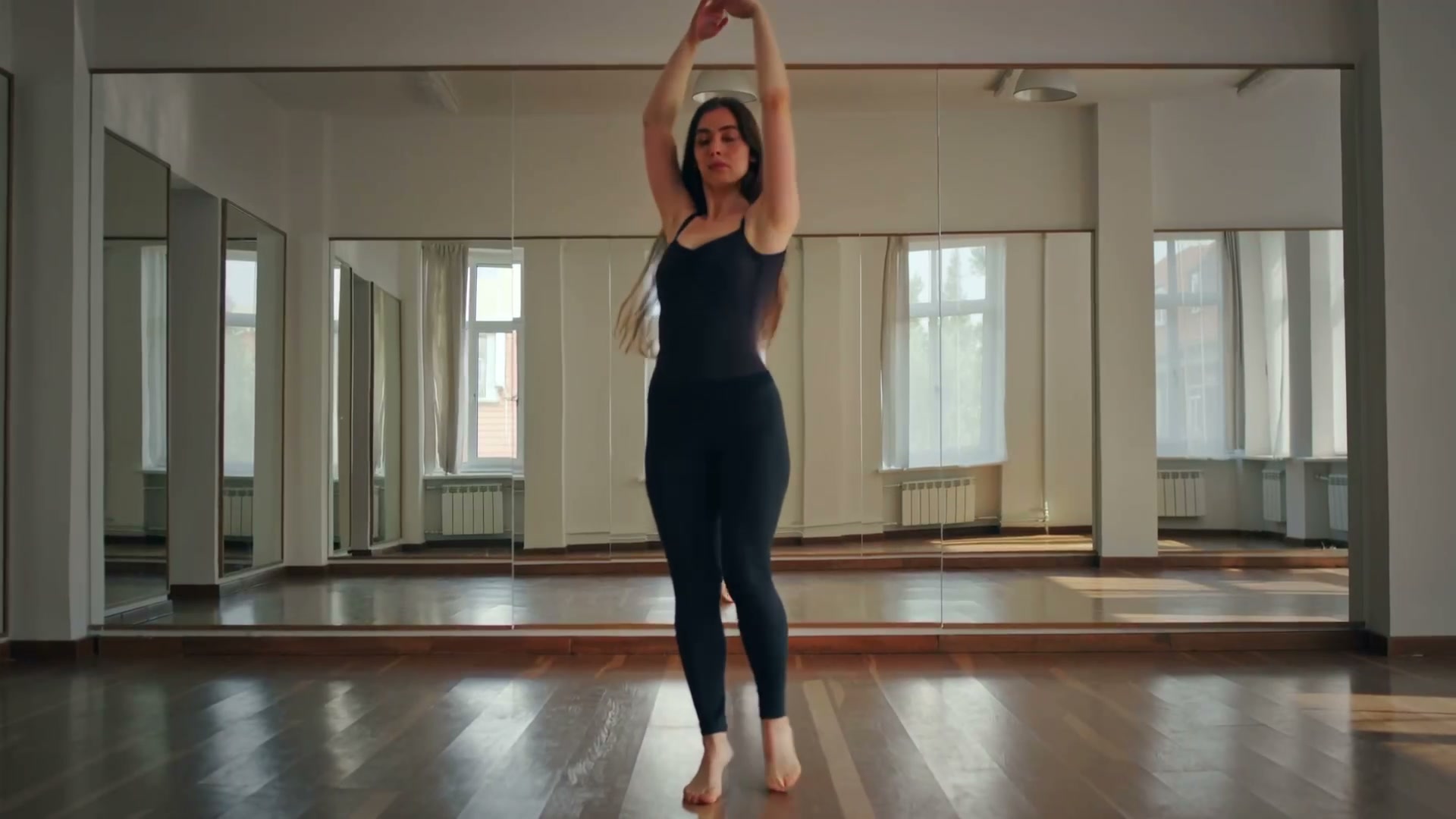
Upload your photo and click Generate to create your own
What You Can Create
Four content types, each supported by different AI models depending on the style you need.
Photo to Video
Upload a still photo and our AI adds motion — camera moves, subject animation, environmental effects. Works with portraits, landscapes, products, and artwork.
Best models:
Script to Video
Write a scene, a marketing message, or a creative concept in text. The AI interprets your description and generates matching video content — useful for explainers, ads, and narrative content.
Best models:
Logo & Brand Animation
Turn static brand assets into animated video elements. Logo reveals, text animations, icon motion — the kind of thing Media.io charges extra for.
Best models:
Social Media Clips
Generate short-form video content optimized for TikTok, Reels, and Shorts. Quick generation, platform-ready resolution, no post-processing needed.
Best models:
Platform-by-Platform Guide
Different platforms have different requirements. Here's how to get the best results for each one.
| Platform | Recommended Specs | Pro Tip |
|---|---|---|
| TikTok | 9:16 vertical, 720p or 1080p | Use the Veo model for fast generation. Short clips (3-5s) with punchy motion perform best. |
| Instagram Reels | 9:16 vertical, 1080p recommended | Runway produces the most cinematic look for Instagram. Warm color grading and shallow depth of field get more saves. |
| YouTube Shorts | 9:16 vertical, 1080p | Kling handles detailed subjects well — product videos, tutorials, and how-to clips benefit from the extra sharpness. |
| YouTube Long-form | 16:9 horizontal, 1080p | Generate multiple short clips and edit them together. Hailuo produces artistic B-roll that adds production value. |
| Facebook / X | 1:1 square or 16:9, 720p+ | Square format works well for product showcases. Use Kling for clear product detail in the visible frame. |
Prompt Ideas for Your Content
Ready-to-use prompts optimized for different content types.
Product floating and rotating in front of a gradient background, studio lighting, subtle reflections, clean e-commerce styleTime-lapse city skyline from day to sunset to night, building lights turning on gradually, clouds drifting, wide anglePortrait with natural micro-expressions, subtle head tilt, warm window light, out-of-focus greenery backgroundAerial drone shot descending over a tropical reef, crystal clear turquoise water, white sand, cinematic sweepAnimated text reveal with particles, dark background, modern tech aesthetic, smooth motion designChef tossing ingredients in a wok, flames rising, sizzling motion, overhead angle, food photography styleMedia.io Alternative — FAQ
What is Media.io and why look for alternatives?
Media.io by Wondershare is an online media toolkit that includes AI video generation, background removal, and format conversion. This page compares that broad toolkit with a generation-focused workflow that exposes multiple video models and their settings.
Can I animate photos like Media.io?
Yes. Upload a photo and choose from the video models currently shown in the selector. Available models include options from Kling, Veo, Seedance, Wan, Runway, and Hailuo, each with its own supported settings and credit cost.
Can I guide the animation with a detailed prompt?
Yes. Upload a source image and describe the camera movement, subject motion, lighting, and atmosphere. The prompt guides how the image is animated; this is not a multi-scene script-to-video editor.
How does pricing compare to Media.io?
Pricing and product bundles can change on both services. This generator shows the required credits for the selected model and settings before generation; current subscription and one-time credit options are listed on the pricing page.
What video formats and quality are available?
Output is MP4. The starter-credit model currently supports a 5-second 480p option; paid access unlocks additional models with longer durations and resolutions up to 1080p where supported.
Can I use this for TikTok and YouTube Shorts?
Yes. Videos are generated in MP4 format at platform-appropriate resolutions. Upload directly to TikTok, Instagram Reels, YouTube Shorts, Facebook, Twitter/X, or any platform that accepts standard video uploads.
Generate Your First Video Free
Sign up for starter credits, upload an image, and describe the motion you want. Paid plans include clean downloads.